VMware Workstation 8 正式版完美支援安裝 Windows 8。以下為新手安裝教學:
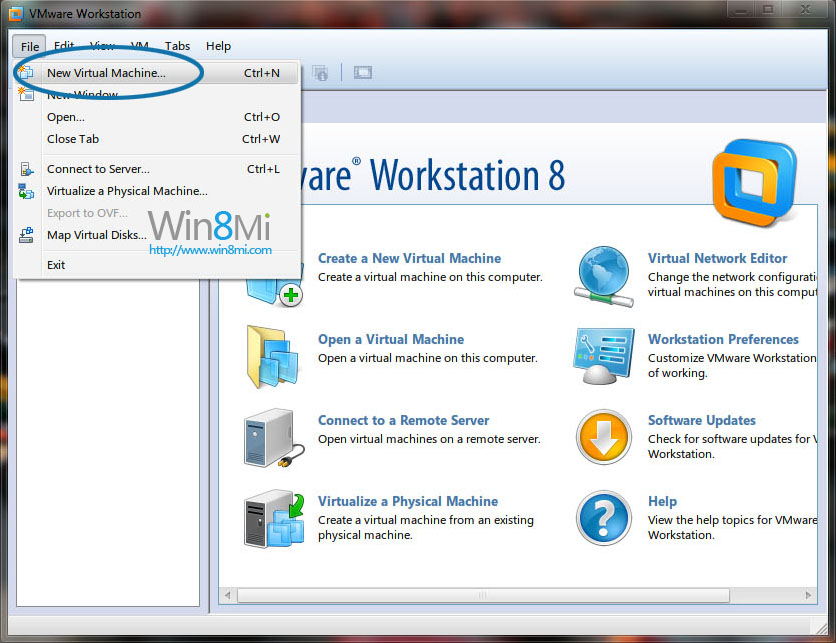
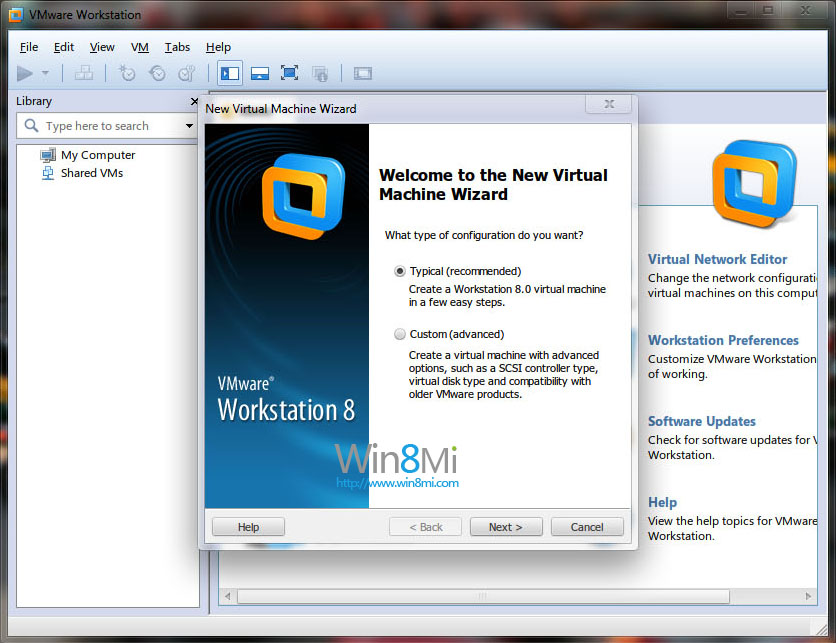
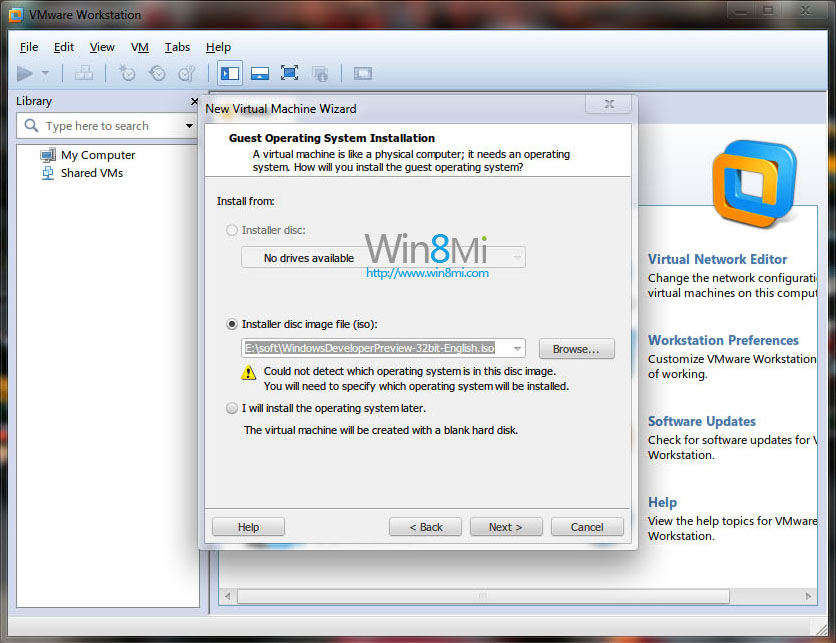
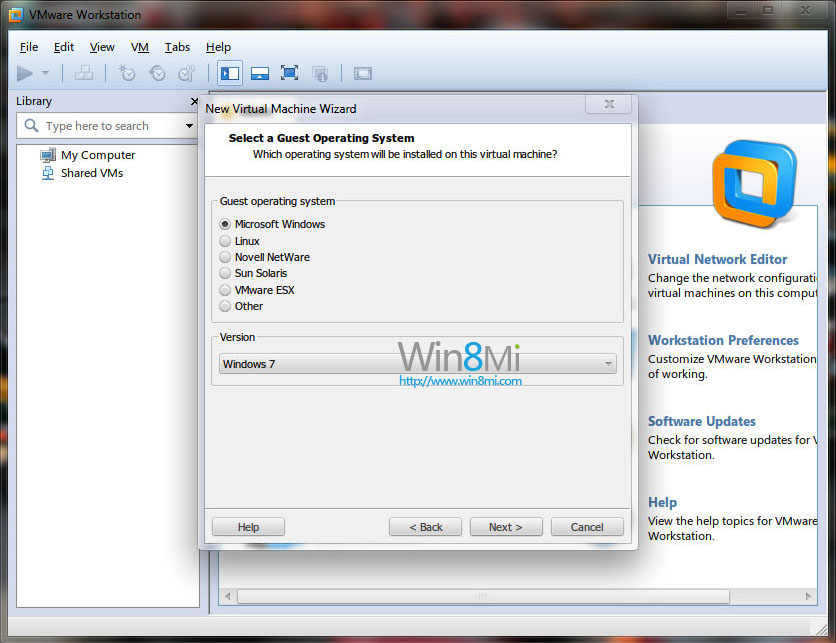
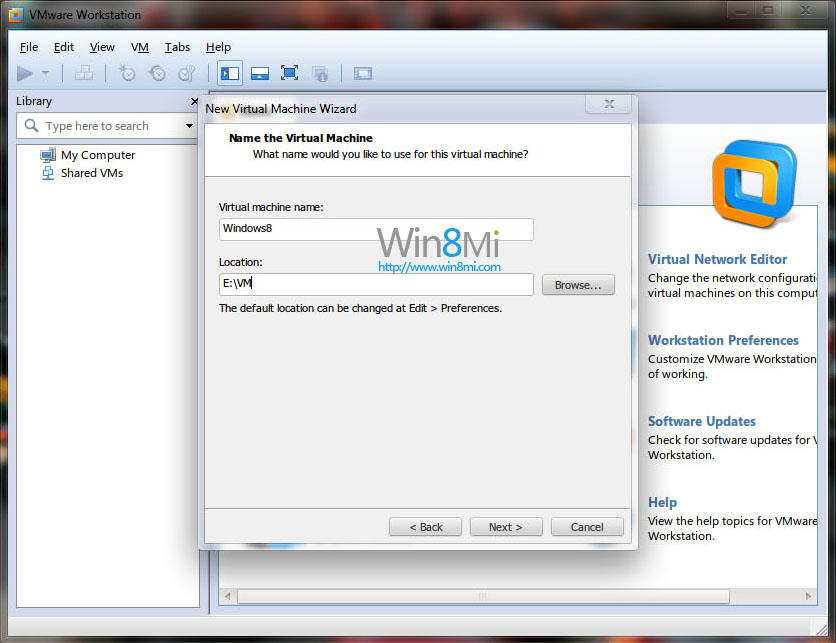
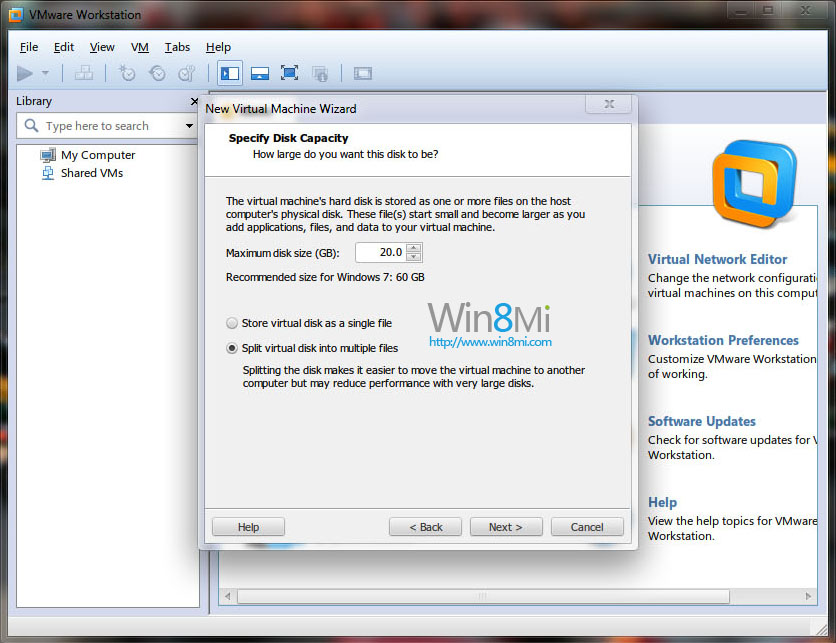
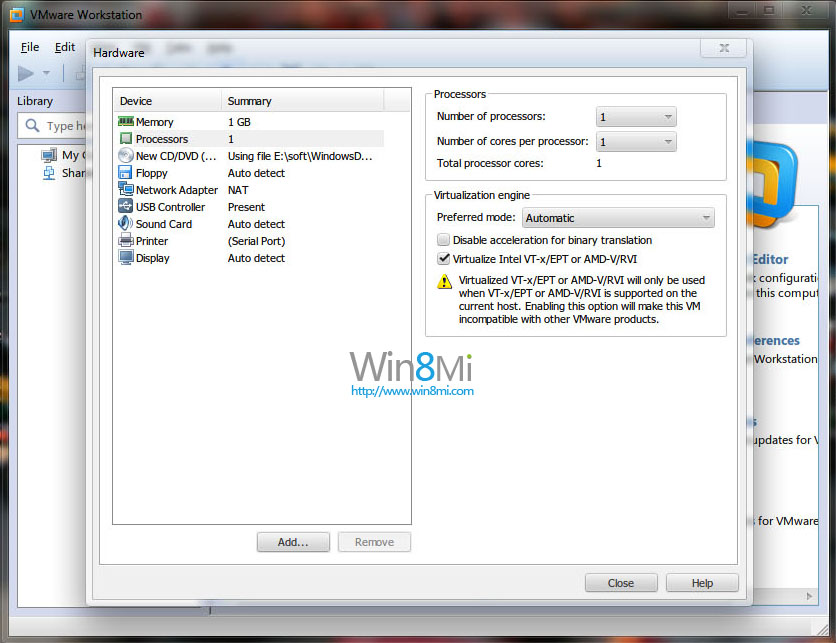
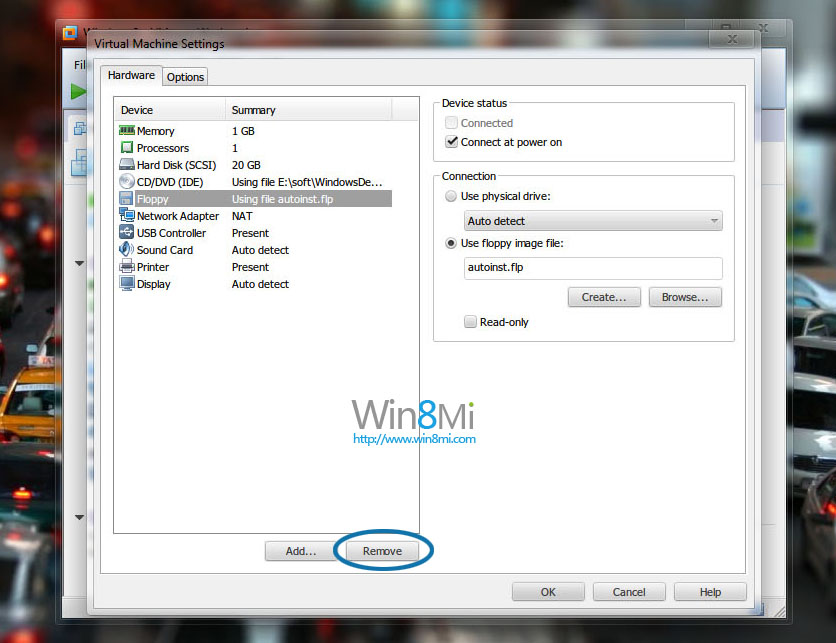
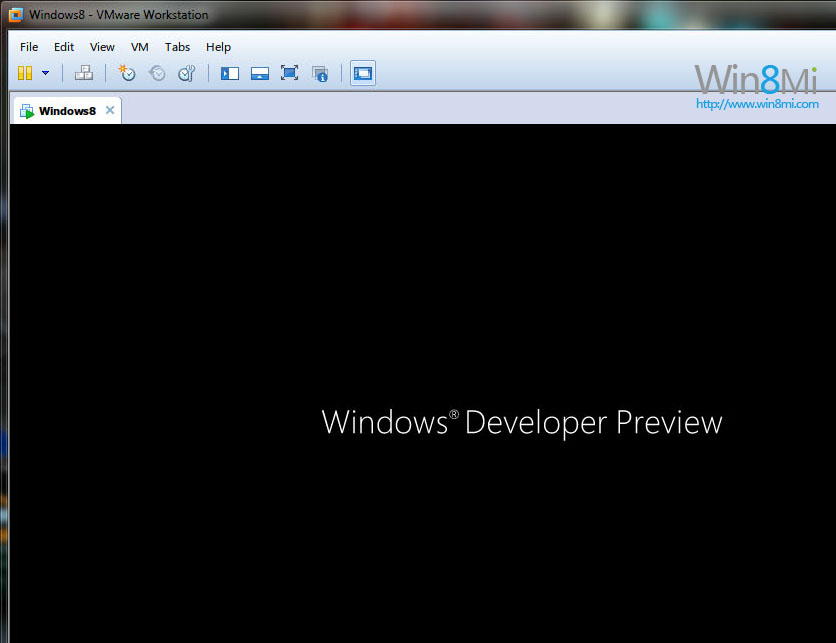
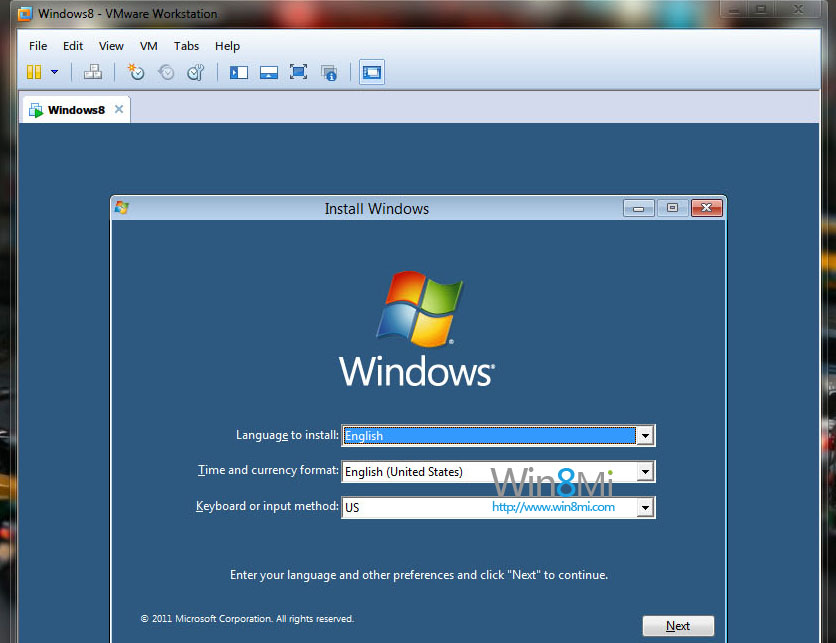
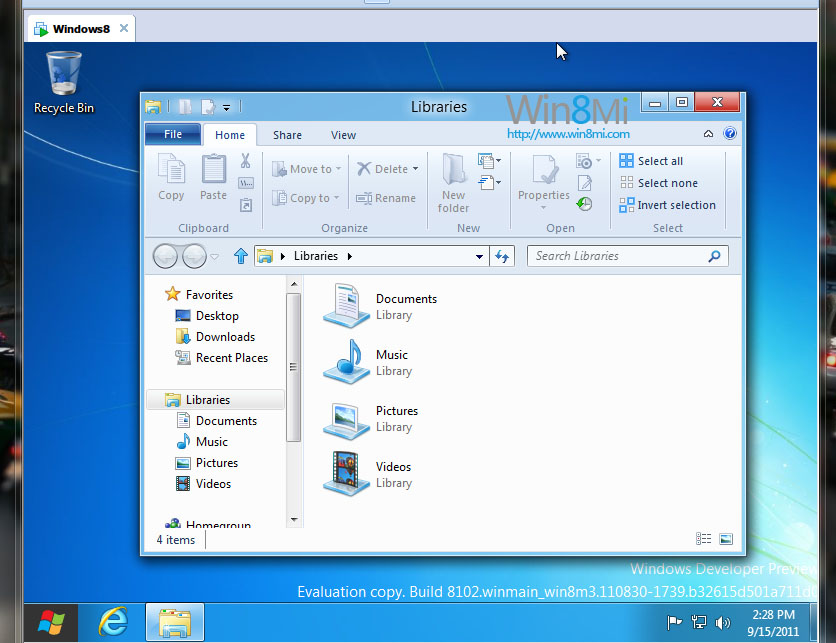
完成上述設定後掛載 Win8 ISO 啟動虛擬機即可開始安裝。
Windows 8.1 磁貼大小四種模式調整:大、寬、中、小自由切換,開始畫面版面優化
Win8.1 Metro 磚塊點不開?PowerShell 重註冊商店 App 與清除 LocalCache
Win8.1 如何使用內建映像備份功能完整備份系統?建立 VHDX 系統映像
Win8 Modern 版 IE11 開啟 InPrivate 無痕分頁,保護瀏覽隱私不留痕跡
Windows 8 啟動備份與還原:sppstore 資料夾法
Windows 8 微軟拼音輸入法全形符號輸入困境:Shift+Space 失效、改用第三方輸入法