不習慣 Windows 8 開始畫面、Charms 列、無 Aero 主題?第三方付費工具 Start8(30 天試用,4.99 美元)可完美還原 Windows 7 體驗:傳統開始功能表、Aero 玻璃效果、關閉熱角、登入直進桌面。完整設定步驟:
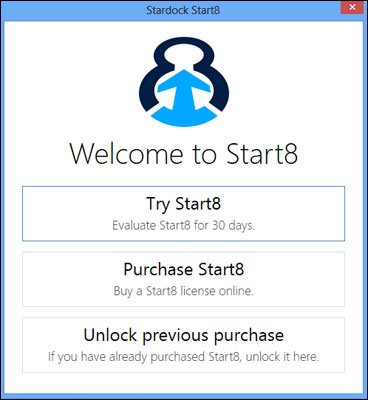
- 下載安裝 Start8。
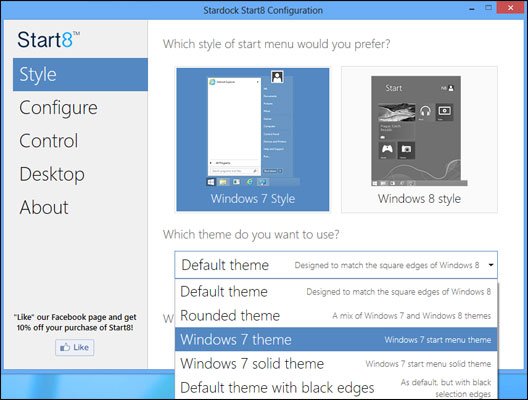
- 「Style」分頁 → 主題選「Windows 7 Theme」。
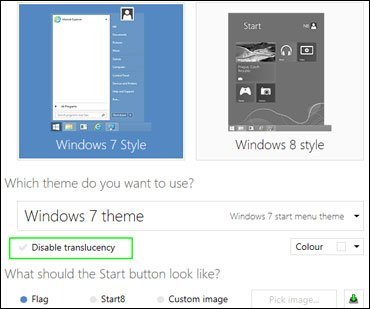
- 取消「Disable Translucency」(啟用半透明)。
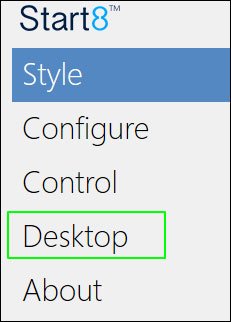
- 「Desktop」分頁 → 勾選「Disable all Windows 8 hot corners」(關閉熱角)。
- 勾選「Automatically go to the Desktop when I sign in」(登入直進桌面)。
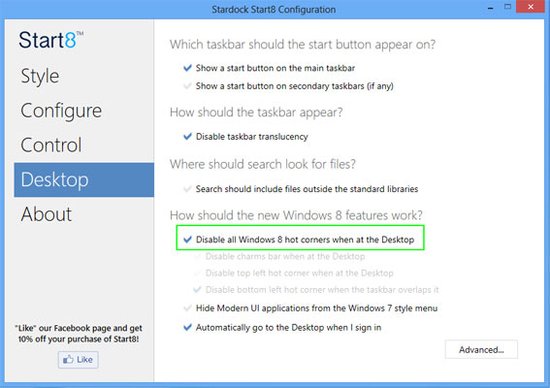
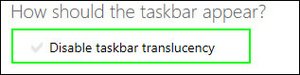
- 取消「Disable Taskbar Translucency」(工作列半透明)。
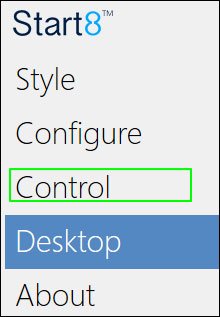
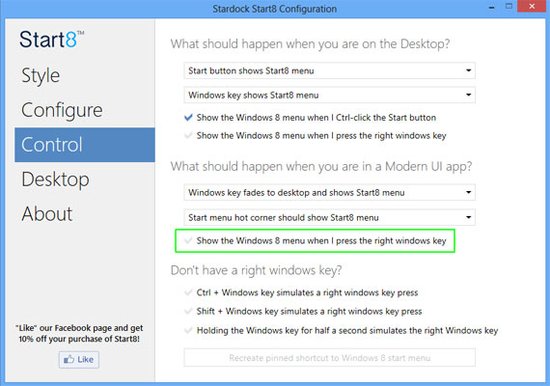
- 「Control」分頁 → 取消「Show the Windows 8 menu when I press the right windows key」(右 Win 鍵不呼叫開始畫面)。
- 關閉設定視窗 → 點擊 Start8 圖示檢視所有程式 → 右鍵釘選常用程式到開始功能表。
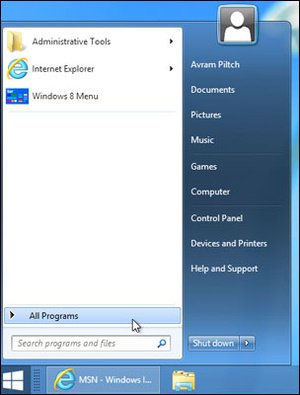
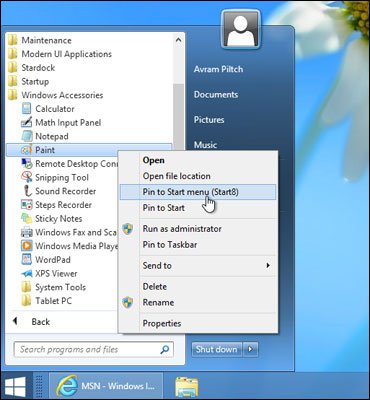
完成後 Windows 8 將擁有 Windows 7 風格的開始功能表、桌面優先體驗、Aero 視覺效果,適合傳統使用者平滑過渡。