Windows 8.1 核心新功能「智慧搜尋」實為「本地與網路一體化搜尋」,整合 Bing 網頁搜尋與系統本地搜尋 (檔案、應用程式、設定) 為單一介面。
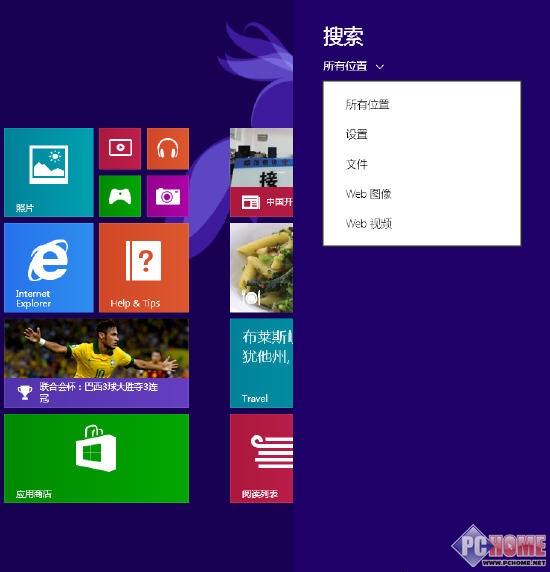
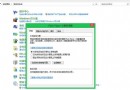
搜尋篩選設定
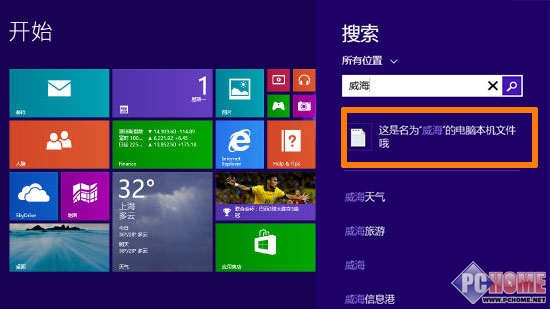
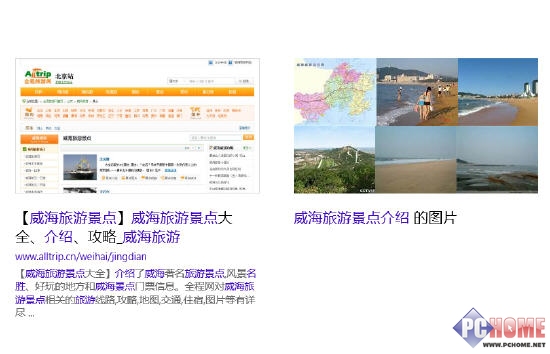
搜尋「威海」出現本地與網路資訊
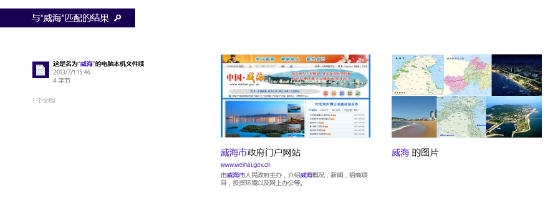
符合「威海」的結果
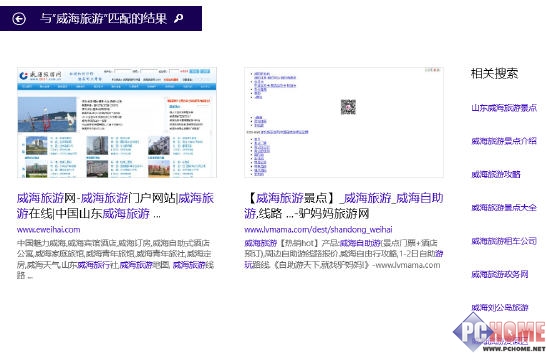
關聯搜尋連結
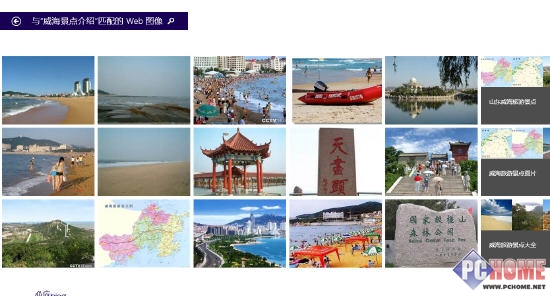
圖片關聯搜尋
威海相關圖片
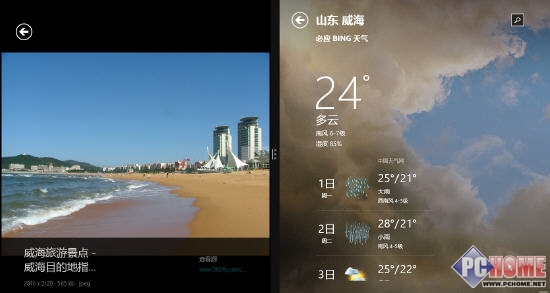
Bing 地圖與天氣
一體化搜尋介面視覺舒適、創新度高,能否獲用戶青睞有待觀察。
Win8.1 開始畫面顯示「Start#ZHS」?字型檔損壞修復法
Windows 8 資源管理器快速查看系統屬性:右鍵「電腦」屬性捷徑
Windows 8 虛擬記憶體重要性與最佳設定值:依實體記憶體容量建議 1~2 倍,避免臨時分頁檔導致效能下降
Win8 命令提示字元輸入指令報錯?切換英文輸入法即可解決
Win8 任務列時間區強化神器:CHKen Tray Clock 詳細評測
Win8 任務列變雙行兩大招:新增工具列資料夾、安裝 Bins 堆疊圖示
Windows 8 IE 瀏覽器匯出我的最愛(書籤)備份與移轉
Win8.1 並排開啟多個 Metro 應用:最多 4 個同時顯示,拖曳分割螢幕靈活調整