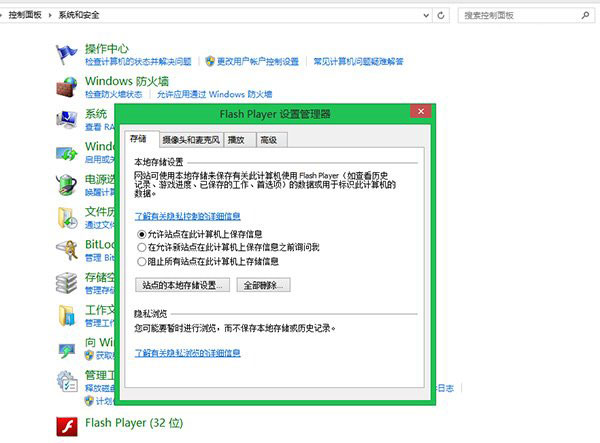
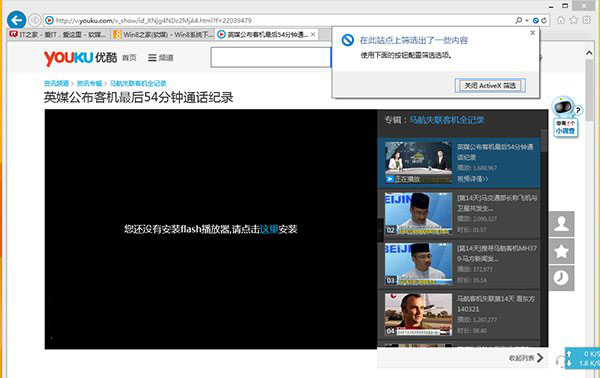
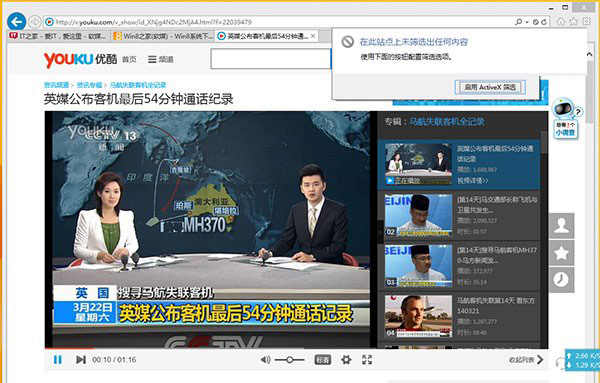
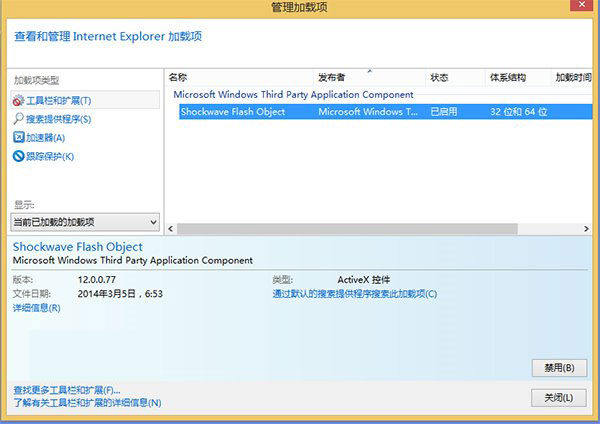
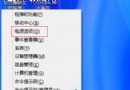
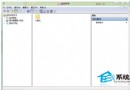
IE10/IE11 內建 Flash Player(ActiveX 形式),常因安全性設定或附加元件狀態導致無法播放、網址列出現藍色禁止圖示。Adobe 官方提供兩種標準修復方式,多數情況即可解決。
若以上無效,嘗試:1. 以管理員身分執行 sfc /scannow 修復系統檔。2. 重新安裝 Flash Player(從 Adobe 官網下載 IE 版安裝程式)。3. 檢查群組原則或註冊表是否有鎖定 Flash 的設定。
sfc /scannow
Win8.1 內建 SkyDrive 雲端硬碟使用完全指南:上傳、同步、分享一次學會
Windows 8 善用內建壓縮/解壓縮工具:免安裝第三方軟體
Windows 8 重裝後正版授權啟用完整指南
Win8 快速登出 QQ/社交應用程式:點擊頭像切換狀態即登出
Windows 8/8.1 IE10/IE11 無法顯示 Flash 完整解決方案
Win8 桌面圖示個人化:自訂 .ico 圖示與顯示/隱藏系統圖示
Win 8.1 如何徹底關閉 Modern 應用?拖曳暫停法詳解
Windows 8 睡眠喚醒免密碼登入設定:電源選項中關閉喚醒密碼需求