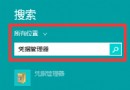
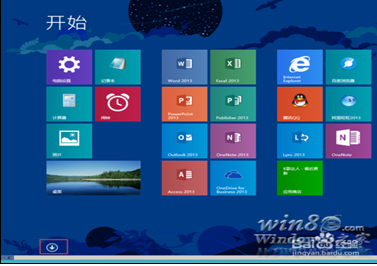
Win 8 無開始選單,找計算機需用指令。一鍵開啟並切換進制轉換模式。
calc
同樣適用於 Win 8.1/10/11。計算機也可釘選至工作列或開始畫面以便下次快速啟動。
Win 8 查看下載資料夾實際路徑的兩步驟快速法
Windows 8 進階啟動完整功能圖解教學
Win8 選擇性關閉索引服務:索引選項移除不需搜尋的資料夾提升效能
Win8 「人脈」應用新增聯絡人教學:同步至 Windows Phone 裝置
Windows 8 相機應用無法開啟?權限設定一鍵修復
Win8 顯示或隱藏檔案副檔名:資料夾選項一鍵切換
Windows 8.1 找不到「我的電腦」?教你輕鬆喚回桌面圖示
Win8 建立工作排程器任務:控制台管理工具→工作排程器→建立基本工作/工作