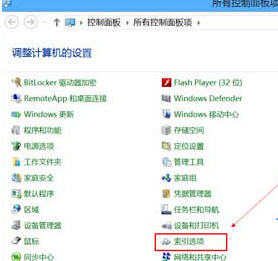
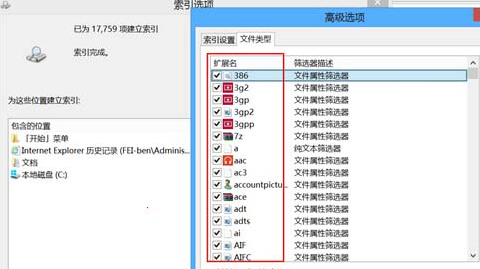
減少索引範圍可降低硬碟讀寫負載,提升系統回應速度,特別適合 SSD 或較舊機種。
Windows 8 四大操作技巧:熱區邊角、一鍵進入 Metro、一鍵鎖定、關機多種法
Windows 8 開始畫面應用管理技巧:檢視、釘選、解除釘選、分組
Windows 8 建立新使用者帳戶:Charms 設定、控制台使用者帳戶、Microsoft 帳戶與本機帳戶雙軌
Win8 自訂滑鼠指標樣式:個人化 → 變更滑鼠指標 → 指標頁面 → 選擇方案/自訂各狀態指標
Win8 刪除無權限檔案?用命令提示字元 DEL/RD 指令繞過權限限制
ThinkPad 筆電關閉 Win8 觸控手勢功能:僅保留點擊移動避免誤觸