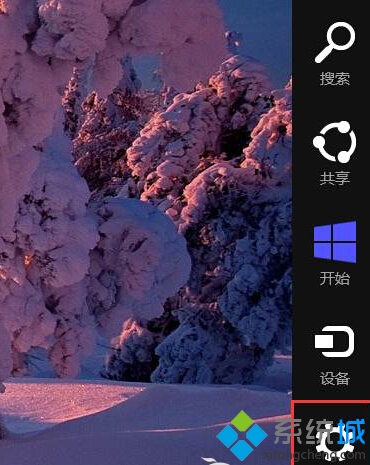
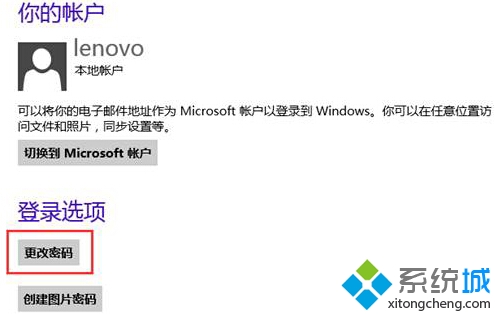
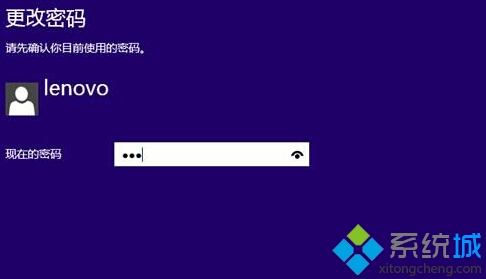
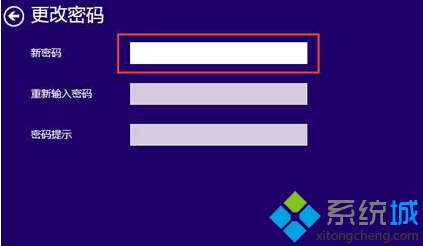

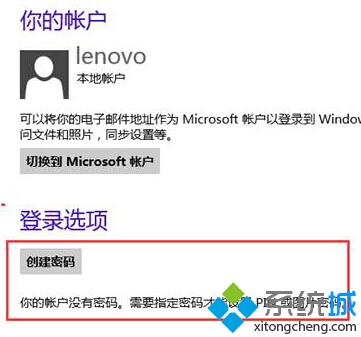
完成後下次開機直接進入桌面,無需輸入密碼。注意:僅適用於本地帳戶,Microsoft 帳戶無法移除密碼。
Win8.1 启动文件夹路径找不到?C:\ProgramData\Microsoft\Windows\Start Menu\Programs\StartUp 地址栏直达
Windows 8.1 Update (Spring 2014) 13 大新功能與改進總覽
Windows 8 OneDrive 建立資料夾,雲端檔案分類管理
Windows 8 清除檔案總管「常用位置」紀錄:工作列跳躍清單設定
Win8 提升 SkyDrive 可用性 設定檔案「離線可用」避開網路限制
Win8 平板查看 App 佔用空間:兩種方法一目了然,釋放 Surface 寶貴儲存體