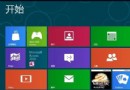
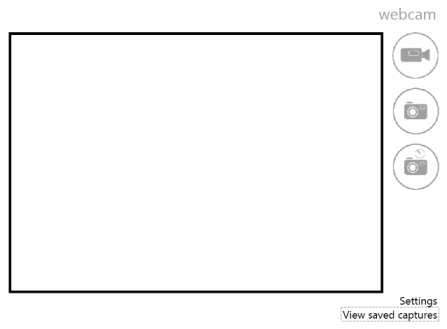
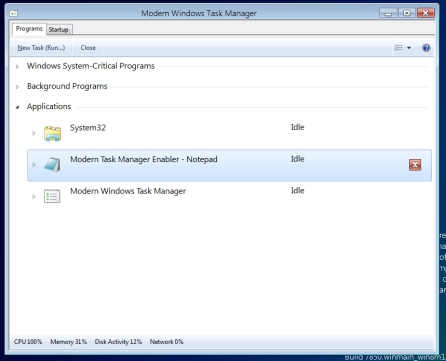
Windows 8 早期開發版透過登錄編輯可啟用三項隱藏功能:原生 PDF 閱讀器、檔案總管 Ribbon 介面、網路攝影機應用。
路徑:HKEY_LOCAL_MACHINE\SOFTWARE\Microsoft\Windows\CurrentVersion\Applets\Paint\Capabilities
新增字串值 CLSID = {D3E34B21-9D75-101A-8C3D-00AA001A1652}
執行 glcnd.exe
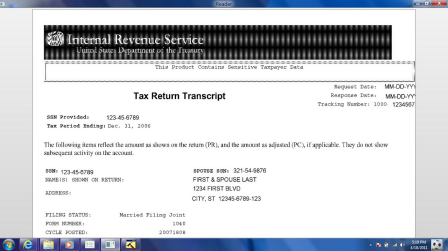
路徑:HKEY_CLASSES_ROOT\CLSID\{4F12FF5D-D319-4A79-8380-9CC80384DC08}
新增字串值 AppID = {9198DA45-C7D5-4EFF-A726-78FC547DFF53}
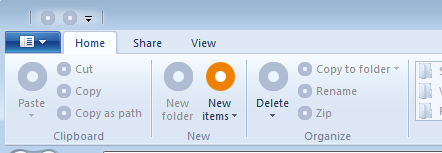
路徑:HKEY_LOCAL_MACHINE\Software\Microsoft\Windows NT\CurrentVersion\GRE_Initialize
新增 DWORD RemoteFontBootCacheFlags = 0x100f (4111)
執行 webcam.exe
註:此為早期開發版測試內容,正式版已整合相關功能,現代 Windows 版本無需此操作。