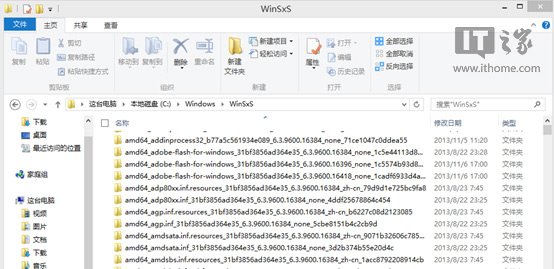
Windows 更新機制會在 C:\Windows\WinSxS 保留每次更新的舊版元件以支援復原。隨時間累積,資料夾動輒佔用 5-10 GB 以上。以 Adobe Flash Player 為例,每月更新皆留下 amd64_adobe-flash-for-windows* 舊版資料夾。
Microsoft 官方提供 DISM 指令可移除已被取代的舊版元件,僅保留最新版,大幅縮減 WinSxS 體積。
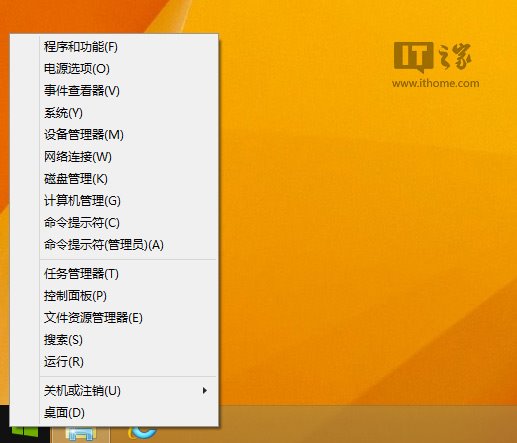
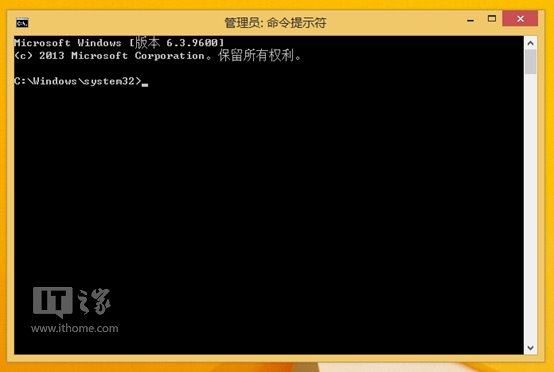
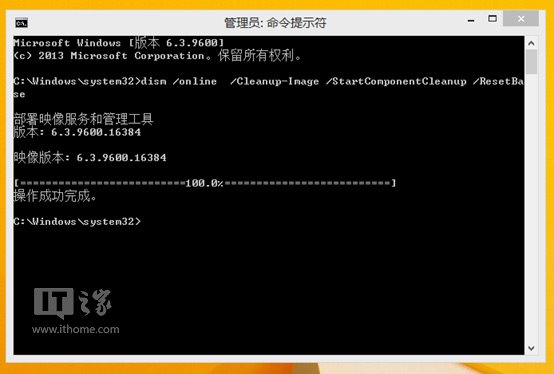
dism /online /Cleanup-Image /StartComponentCleanup /ResetBase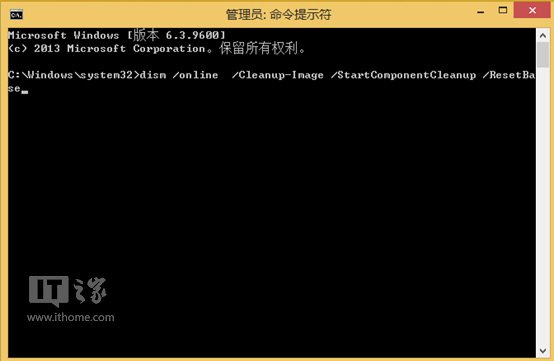
C:\Windows\WinSxS,舊版 Flash 資料夾已移除,僅保留最新版 Flash player for Win8.1 6.3.9600.16418。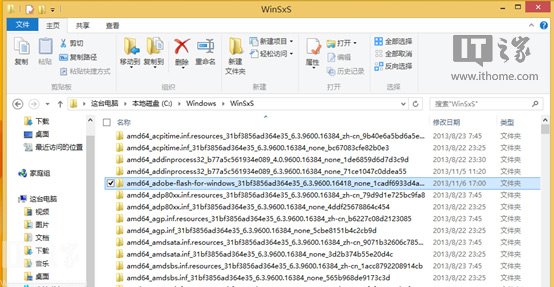
/StartComponentCleanup:移除已取代元件(不含 ResetBase)。/ResetBase:將最新版設為基準,徹底移除所有舊版,**之後無法解除安裝已安裝的更新**,請確認系統穩定後再執行。定期執行 dism /online /Cleanup-Image /StartComponentCleanup /ResetBase 可有效控制 WinSxS 體積,同樣適用於 Win8.1 GA 更新後的冗餘清理。操作前建議建立系統還原點以策安全。