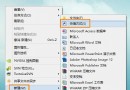
Office 2010 Starter 為免費精簡版,內含 Word Starter、Excel Starter,適合基本文書需求。
安裝步驟
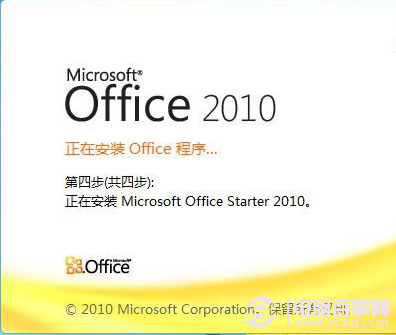
- 下載線上安裝包(中/英文版),安裝約佔 400 MB,需網路暢通。
- 首次執行會被「程式相容性助手」阻擋。
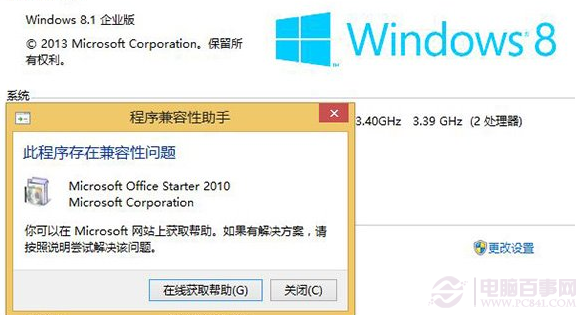
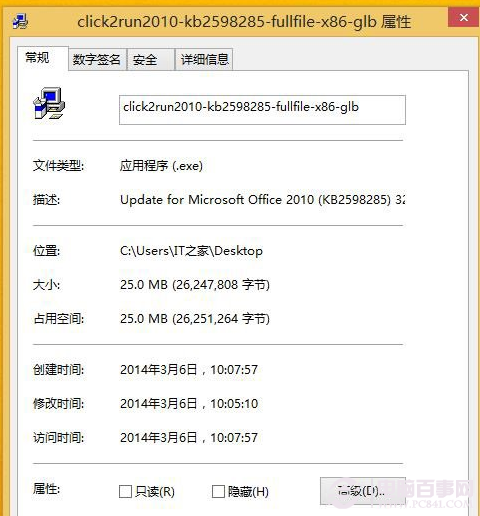
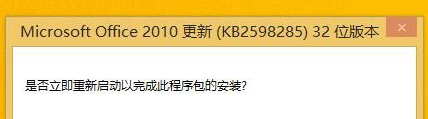
- 下載並安裝 Click2Run2010-KB2598285 修補程式。
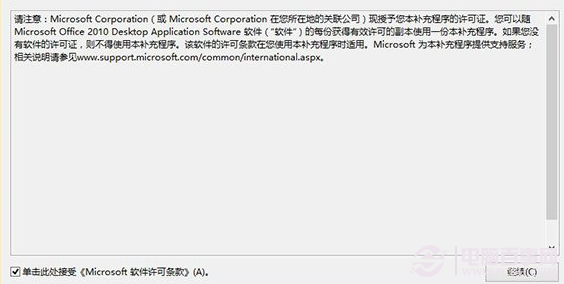
- 勾選同意授權條款繼續安裝,過程會自動關閉相關程式。
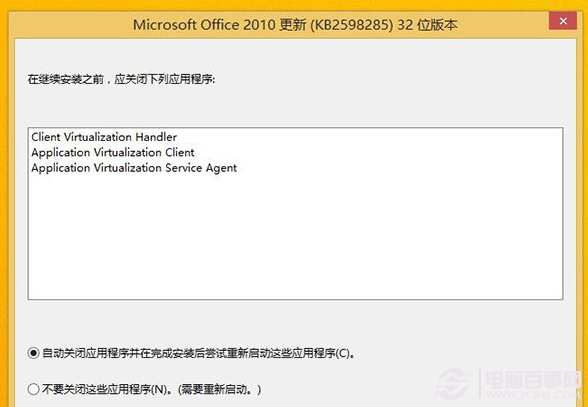
- 手動重開機生效。
功能差異提醒
- 產生虛擬磁碟 Q: 供 Click-to-Run 虛擬化服務。
- 缺少 PowerPoint、Outlook(可用 PowerPoint Viewer 開啟簡報)。
- Word 移除:註腳/書目、預設目錄、追蹤修訂、批註。
- Excel 移除:樞紐分析表檢視。
進階需求建議安裝 Office 2003 完整版或購買正式版。