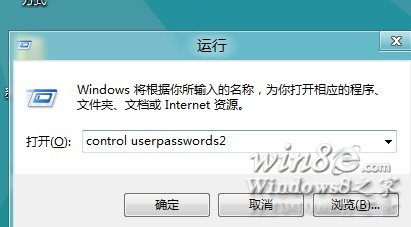
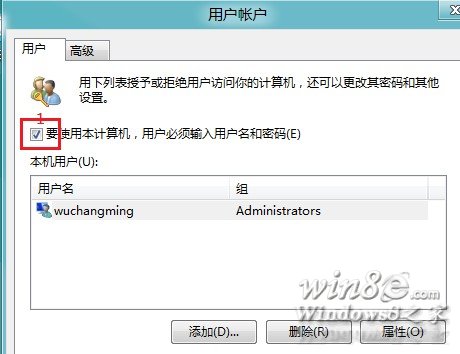
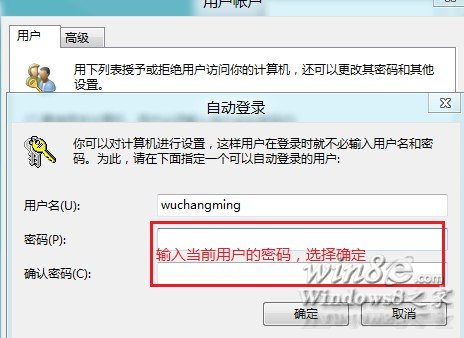
control userpasswords2
溫馨提醒:自動登入雖方便,但會降低電腦安全性,建議僅在個人專用、環境安全的裝置上啟用。
英文版 Windows 8 如何在應用商店找到更多中文應用
深度解析 Windows 8「程式庫」:虛擬資料夾聚合、建立管理、任務列擴展技巧
Win8 觸控手勢操作完整教學:七大手勢對應快捷鍵功能
Win8.1 如何建立一鍵搜尋捷徑?桌面新建捷徑指向 search-ms 協定
Windows 8 對比 Windows 7:即將失去的 10 大經典功能
Win8 右鍵「電腦」開啟管理失敗提示 MSVCR100.dll 遺失?複製檔案至 System32 修復
Windows 8 系統備份完整圖文教學:建立系統映像保護您的電腦
Win8 建立虛擬網卡完整教學:啟用託管網路的前置作業