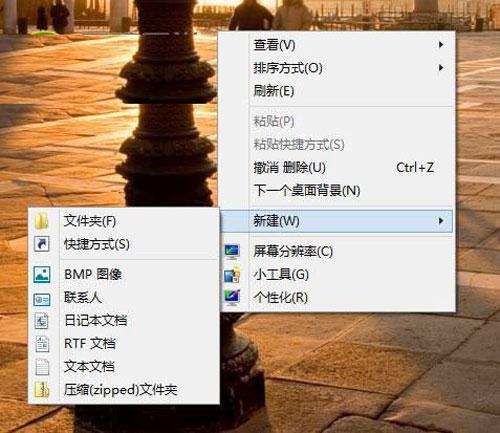
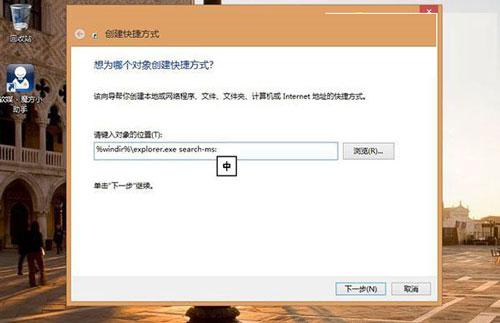
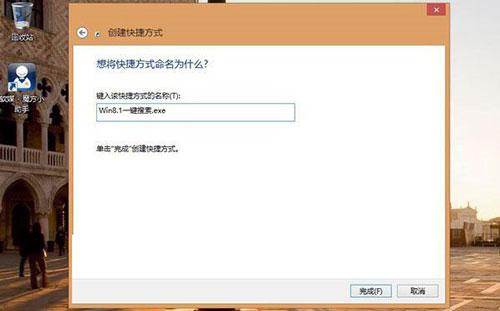
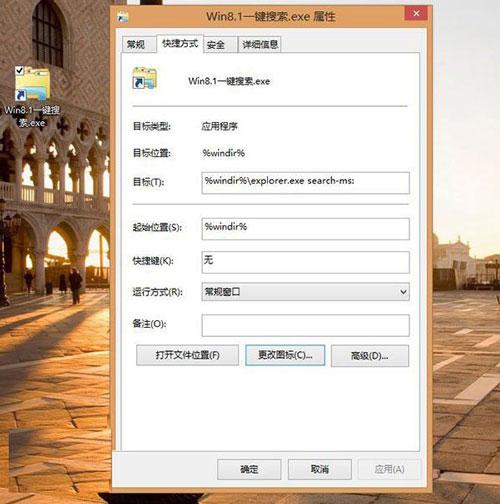
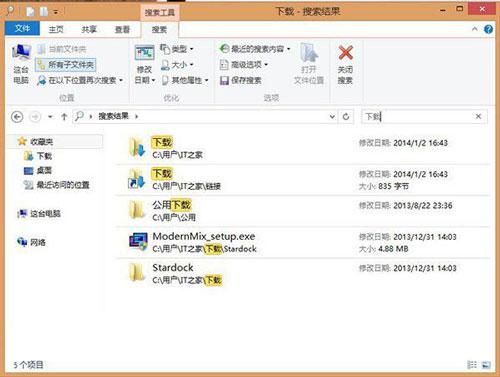
Win8.1 內建強大搜尋功能(Win+Q/Win+F),若想在桌面建立一鍵啟動搜尋的捷徑,可新建捷徑指向 search-ms: 協定。
search-ms:
%windir%\explorer.exe search-ms:
此捷徑等同於按 Win+Q,適合偏好滑鼠操作、不想記憶快捷鍵的使用者。也可建立指向特定搜尋範圍的捷徑(如 search-ms:query=照片)。
search-ms:query=照片
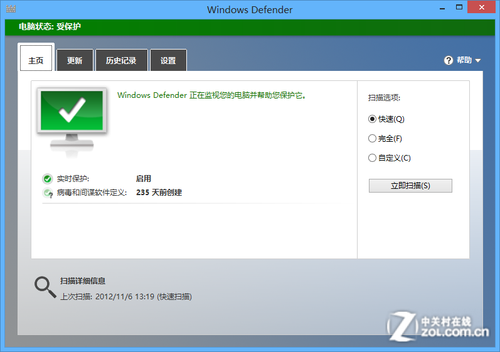
Win8 如何啟動安全中心?控制台開啟操作中心啟用服務或透過 services.msc 啟動
Windows 系統進程辨識指南:常見進程名稱、功能與是否為系統核心進程對照表
Windows 8 資源管理器快速查看系統屬性:右鍵「電腦」屬性捷徑
從 XP 升級 Win8 遇到磁碟分割區無法重新命名?登錄修改法解決
Win8 將文字檔或任意檔案釘選到開始畫面
Win8 笔记本 Fn 键总被误触?进 BIOS 禁用热键模式彻底屏蔽
Win8 玩遊戲無法全螢幕?四大解法:遊戲內設定、登錄 Scaling 值、解析度修正、更新顯卡驅動
Windows 8 為不同應用程式視窗自動切換輸入法:各視窗獨立記憶中英狀態