Windows XP Windows 7 Windows 2003 Windows Vista Windows 綜合教學 Linux 系統教學
Windows 10 Windows 8 Windows 2008 Windows NT Windows Server 電腦軟體教學

Win8 無法線上播放影片?重設 IE 選項、修復註冊表 ActiveX、重裝 Flash Player

編輯:Win8 系統應用技巧

瀏覽器無法播放網頁影片,三步驟修復:

  1. IE →「工具」→「網際網路選項」→「進階」→「重設」預設值;
    「安全性」→「自訂等級」→「執行 ActiveX 控制項與外掛程式」設為「啟用」;
  2. Win+R → regedit → 刪除 HKEY_LOCAL_MACHINE\SOFTWARE\Microsoft\Internet Explorer\ActiveX Compatibility 下的 {D27CDB6E-AE6D-11CF-96B8-444553540000} 與 {D3F97240-C9F4-11CF-BFCR-00A0C90C2BDB} 兩組機碼 → F5 重新整理;
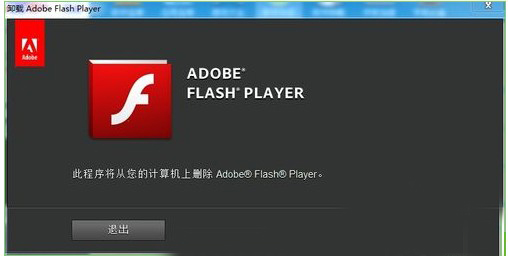
  3. 下載安裝最新 IE 版 Flash Player (非獨立播放器/開發版) → 重新啟動瀏覽器。
Flash Player 下載頁面

多數播放失敗源於 IE 安全性設定過嚴或 ActiveX 相容性旗標殘留。

Copyright © Windows教程網 All Rights Reserved