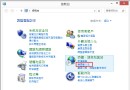
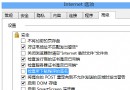
Windows 8 刪除檔案總管瀏覽歷史比 Windows 7 簡單許多,只需幾步即可完成。
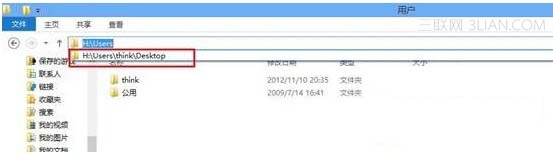
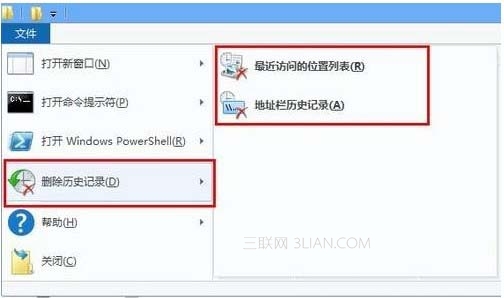
操作完成後,位址列下拉清單不再顯示先前瀏覽過的路徑歷程。
Win8.1 如何修改 VPN 帳號密碼?必須透過「電腦設定」而非傳統網路介面
Windows 8 完勝 XP 的關鍵功能:新生態、觸控、雲同步、開機加速、現代介面、DirectX 11、Windows To Go
Windows 8 磁碟損壞無法讀取/D 槽打不開解決:chkdsk/重新分區/內建修復
如何製作 Windows 8.1 Update 版 WinPE 5.1 微型系統
Win8 安裝 iTunes 反覆失敗、錯誤 2503?相容模式 + 管理員權限搞定
ATI/AMD 顯示卡調整 Win8 螢幕縮放:Catalyst Control Center 進階檢視設定