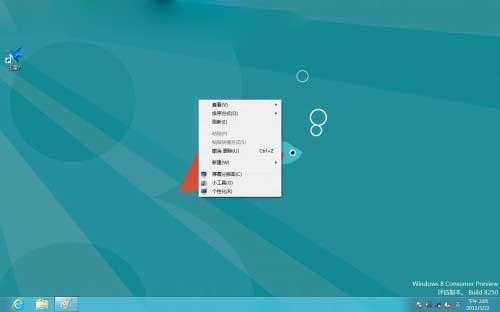
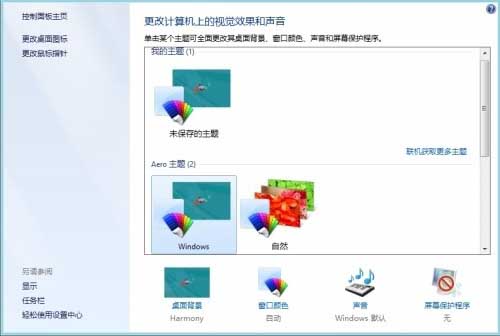
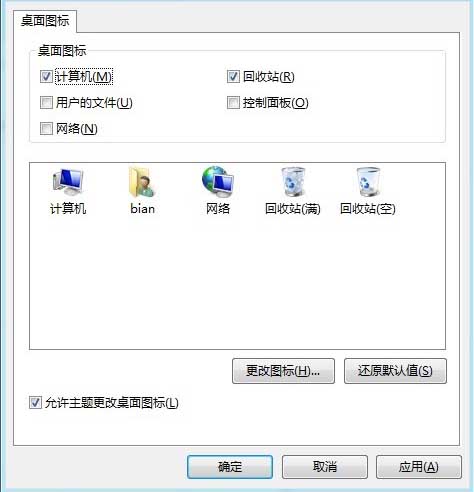
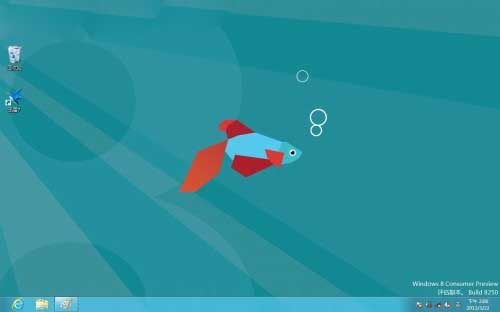
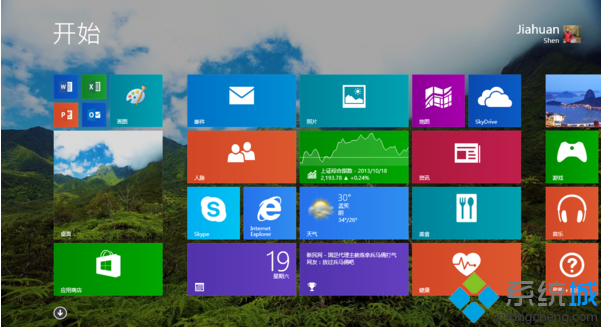
Windows 8 預設桌面不顯示「電腦」圖示,需透過個人化設定啟用。
同樣可啟用「使用者的檔案」、「網路」、「回收站」、「控制台」等圖示。
Windows 8 筆電合上蓋子進入睡眠模式設定:電源選項關鍵調整
解決 Windows 8 無法登入系統:Microsoft 帳號密碼重置與密碼重設磁碟
Windows 8 檔案總管 Ribbon 介面完整操作指南
Win8 輸入法怎麼設定?允許每個應用程式獨立記憶輸入法、自訂微軟拼音選項
Windows 8.1 Update 更新失敗 0x800F0092/0x80073712 修復方案
驅動人生安裝 Windows 8 驅動程式教學:相容模式與手動指定資料夾法
Win8 開機 CPU 高佔用、硬碟燈狂閃的解決方案
不用軟體解壓 Windows 8/8.1 install.wim:DISM 指令掛載提取檔案