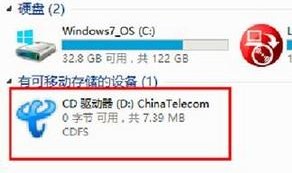
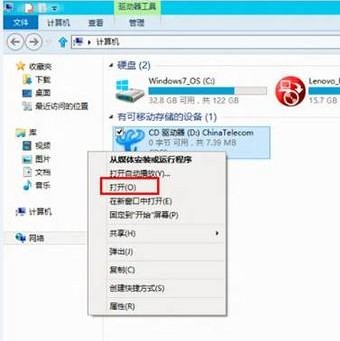
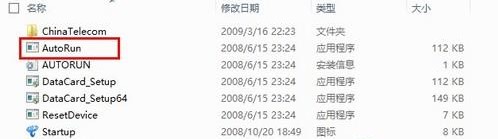
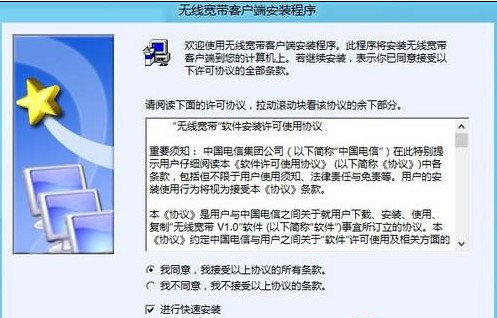
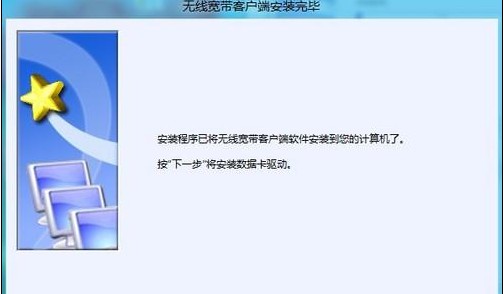
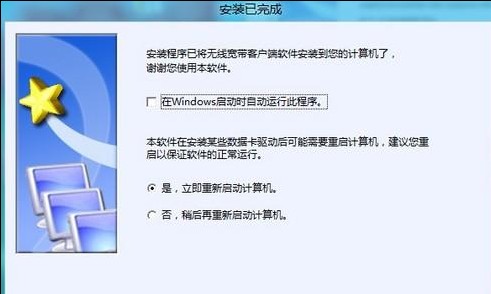
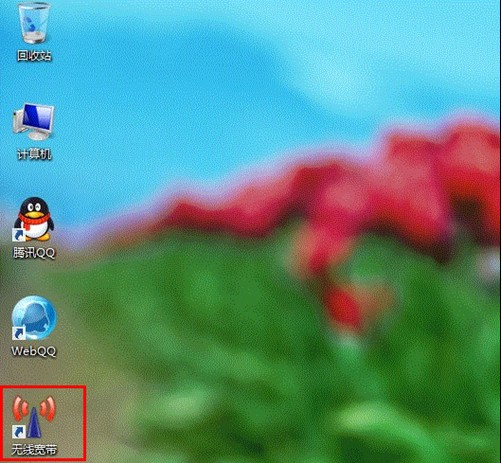
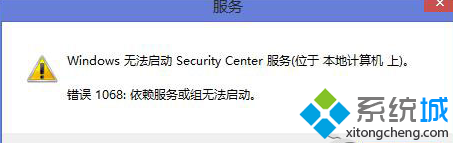
非即插即用裝置需手動執行裝置附帶的驅動程式安裝程式。
AutoRun.exe
Setup.exe
Win8.1 更新錯誤 80073712 解決方案彙整
Windows 8.1 Update 升級方法彙整(自動更新、手動補丁、重灌)
Windows 8.1 螢幕鍵盤深度評測:分離式佈局、子鍵輸入、手寫辨識全面升級
Win8.1 連線隱藏 SSID 無線網路:工作列網路圖示 → 隱藏網路 → 輸入 SSID 與密碼
Windows 8 設定電腦睡眠時間:Win+X 快速進入電源選項調整關閉螢幕與睡眠時程
Win8系統U盤提示「寫保護」無法讀寫?三步排查法快速定位原因
Win8.1 開啟飛行模式一鍵關閉網路:設定→網路圖示→開啟飛行模式,降落後關閉
Win8.1 內建 SkyDrive 雲端硬碟使用完全指南:上傳、同步、分享一次學會