Windows XP Windows 7 Windows 2003 Windows Vista Windows 綜合教學 Linux 系統教學
Windows 10 Windows 8 Windows 2008 Windows NT Windows Server 電腦軟體教學

Win8.1 更新錯誤 80073712 解決方案彙整

編輯:Win8 系統應用技巧

安裝 Win8.1 Update (KB2919355) 時,若出現「無法完成更新,正在復原變更」並顯示錯誤代碼 80073712,表示元件存儲區損毀或檔案遺失。微軟官方尚未釋出專屬修補程式,但可嘗試以下方案:

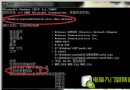
  • 執行 DISM 修復:以管理員身分開啟命令提示字元,依序執行
    dism /online /cleanup-image /scanhealth
    dism /online /cleanup-image /restorehealth
  • 執行 SFC 掃描:sfc /scannow
  • 重設 Windows Update 元件:停止 wuauserv、bits 服務,重命名 C:\Windows\SoftwareDistribution 與 Catroot2 資料夾,再重啟服務。
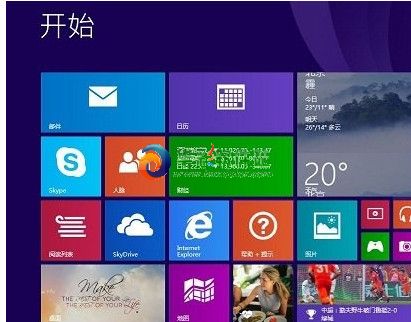
  • 若無效,建議下載完整 Win8.1 Update 獨立安裝包 手動安裝,或參考「如何整合 Win8.1 Update 完整映像」教學重新安裝系統。

若問題持續,請檢查硬碟健康狀態並確保至少 20GB 可用空間。

Copyright © Windows教程網 All Rights Reserved