Metro 應用程式採用「暫停/恢復」生命週期:切換離開時自動暫停(佔少量記憶體、零 CPU),系統資源不足時自動終止。手動關閉多為習慣或釋放記憶體需求。
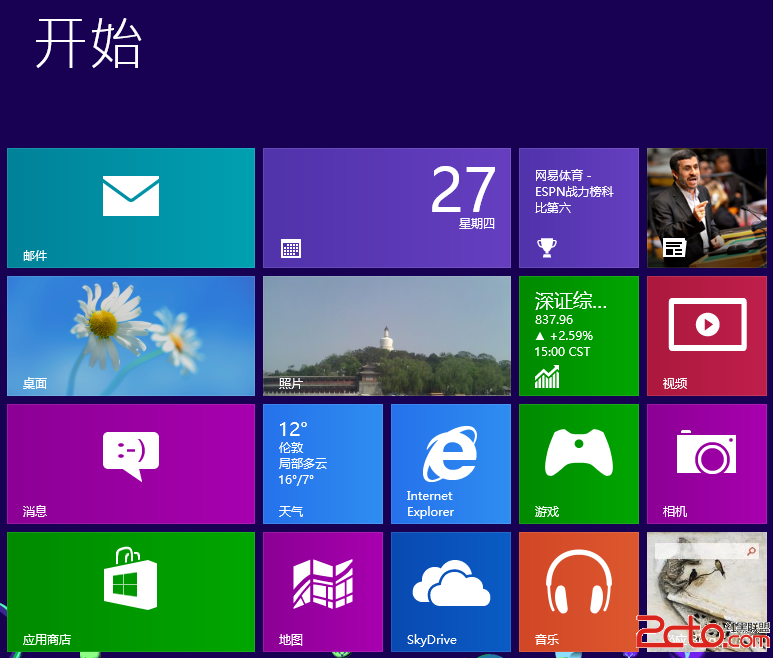
Windows 8.1 開始畫面磚塊佈局完全指南:新增、移動、調整大小、分組命名
Win8 任務管理器出現 egui.exe 進程是什麼?ESET 安全軟體圖形介面元件,非病毒
Windows 8.1 Preview 升級指南與新功能體驗:雙安裝方案、開始按鈕回歸、垂直開始畫面、多螢幕增強、Xbox Music、整合搜尋、Bing 頻道
Win8系統連接小米手機OTG U盤頻繁提示「意外拔出」的解決方案
Windows 8.1 戰地 4 DirectX Error 解決方案:同地區設定法
Win8 必應天氣磚無法更新?執行 wsreset 重設商店快取後重開機
Win8 筆記本螢幕變暗無法調亮?驅動與硬體雙向排查
Windows 8 桌面顯示「電腦/這台電腦」圖示:找回我的電腦