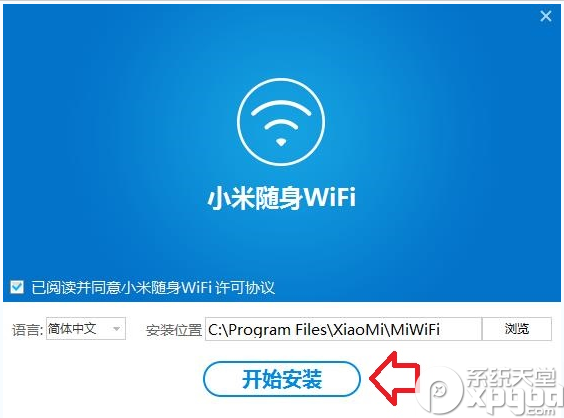
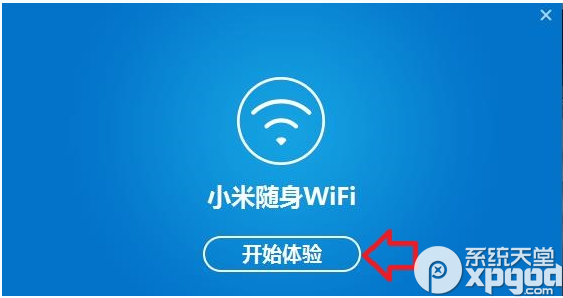
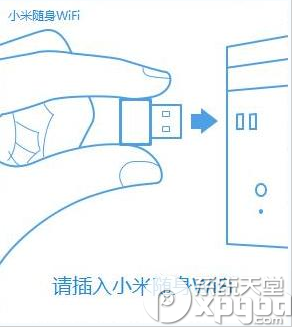
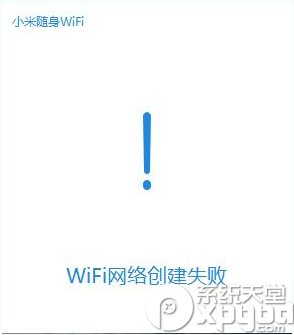
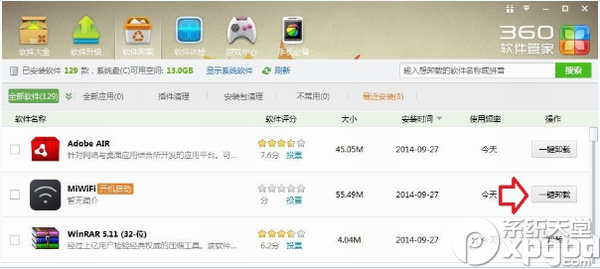
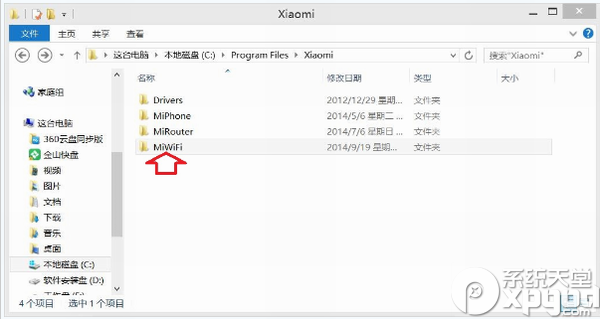
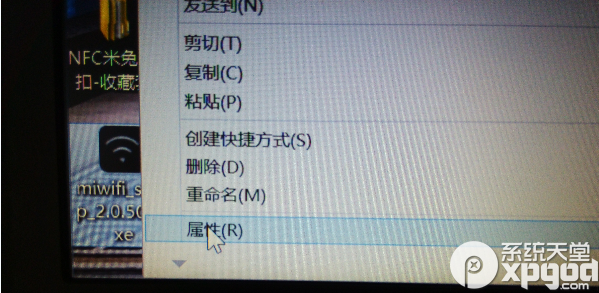
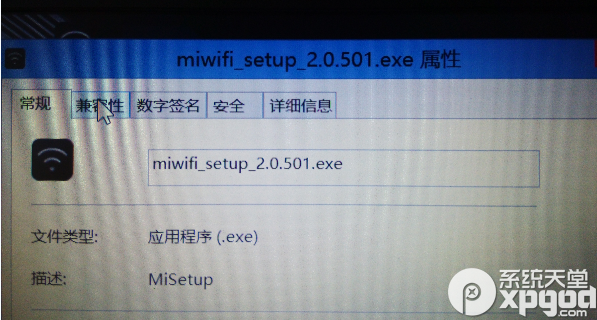
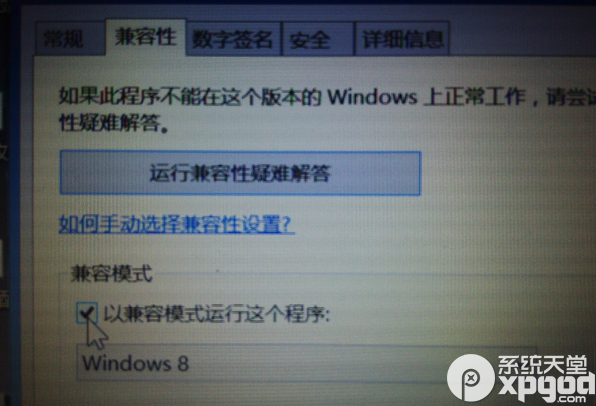
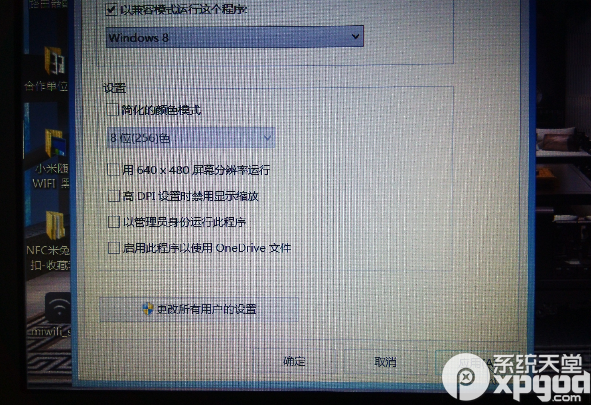
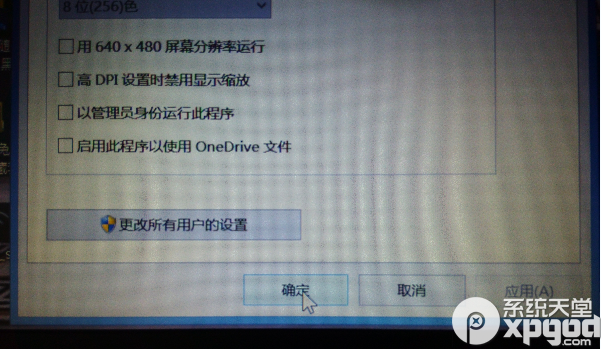
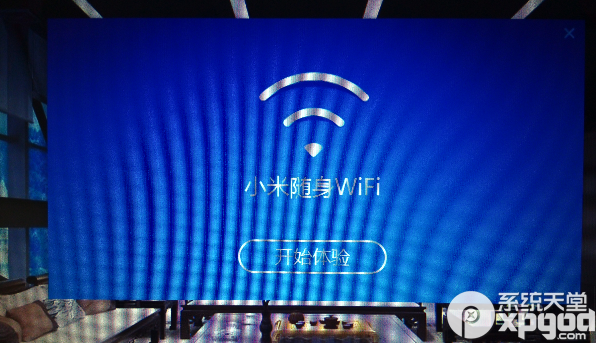
Win8.1 驅動相容性問題,設定相容模式為 Windows 8 即可完美解決。
Windows 8 自訂個性化使用者頭像:相機拍照/錄影一鍵設定
Win8/8.1 啟用 IEEE 802.1X 網路驗證:保護有線/無線網路安全
Win8 硬碟讀寫頻率過高?停用 HomeGroup 服務降低磁碟負載
Windows 8 如何鎖定開始畫面磚塊位置防止誤動
Windows 8 製作可開機復原 USB 隨身碟:系統損壞時一鍵救援,超簡單操作
深度解析 Windows 8「程式庫」:虛擬資料夾聚合、建立管理、任務列擴展技巧
Win 8 個人化主題完整教學:安裝、管理、自訂與儲存專屬風格
修改 Win8 PE 系統屬性資訊教學:自訂電腦名稱、LOGO、OEM 資訊與桌面工具