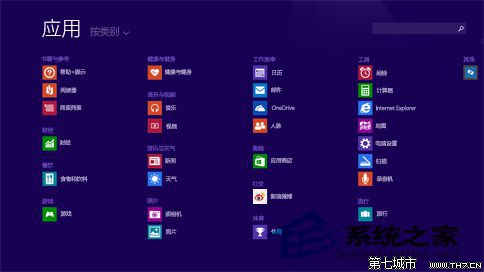
善用「取消釘選」整理開始畫面,不必犧牲應用程式本體。
Win8 裝置管理員禁用指定驅動程式:Win+X 開啟裝置管理員 → 右鍵裝置 → 禁用
Win8 徹底關閉使用者帳戶控制 (UAC) 完整圖文教學
Win8 「以不同使用者身分執行」程式:按住 Shift 右鍵點擊圖示切換身分啟動
Windows 8 關機十大招:從 Charms 列到快捷鍵、命令列全攻略
Win8 系統還原功能深度評測:重新整理 vs 重設 電腦實測
Win 8 替代預設輸入法設定:控制台進階設定一鍵指定預設 IME
Win8 笔记本 Fn 键总被误触?进 BIOS 禁用热键模式彻底屏蔽
Windows 8 內建微軟拼音輸入法 2012 詳解:重生之作、雲端詞庫、V 模式多媒體輸入、英庫輸入法