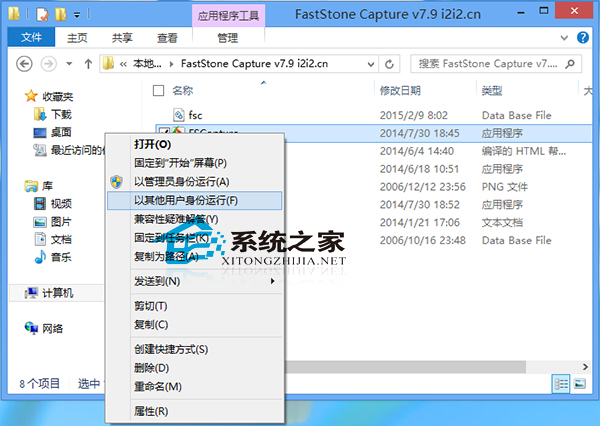
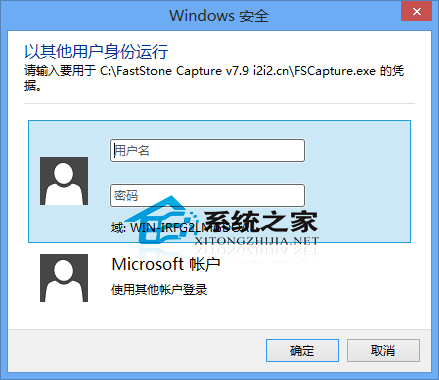
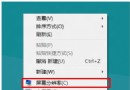
除「以系統管理員身分執行」外,Win8 亦支援「以不同使用者身分執行」,適用於測試不同權限環境或切換帳號操作。
系統若有多使用者帳號,此功能可快速切換身分執行程式,免登出重登。
Win8.1 開機顯示 Resume from Hibernation 卡住?關閉快速啟動與休眠功能
安裝 Windows 8.1 後必做的四項檢查與設定指南
Windows 8 查看系統版本資訊:兩種快速方法掌握版本號、建置編號
Win8.1 關閉操作中心圖示:通知區域圖示設定停用系統圖示
Win8.1 開啟便箋報 stikynot.exe 錯誤?系統檔案修復與輸入法切換雙管齊下
Windows 8 ClearType 文字微調器重置:註冊表兩步驟還原預設
Win8 螢幕保護/黑屏喚醒不顯示登入畫面:取消「恢復時顯示登入畫面」
Win8.1 更換 Office 2013 產品金鑰:透過控制台「程式和功能」變更序號