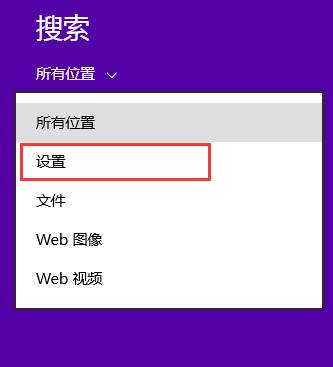
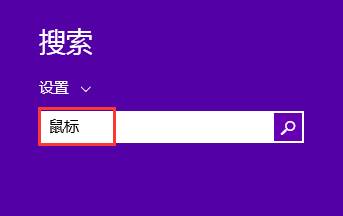
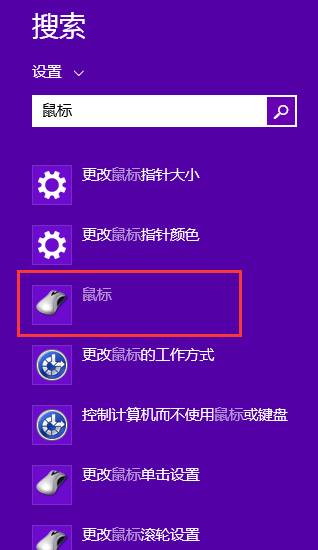
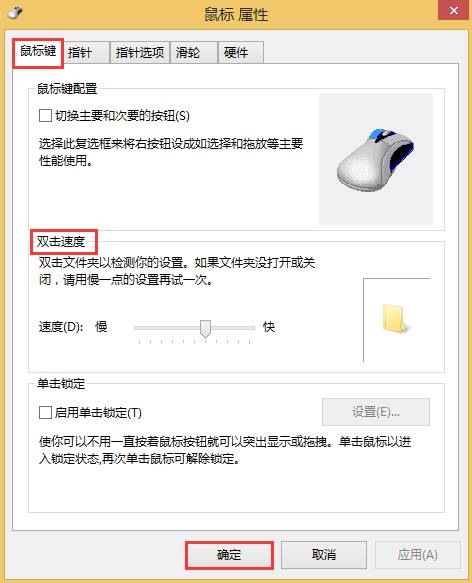
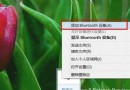
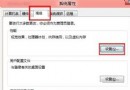
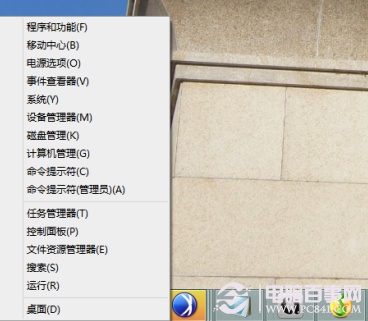
Windows 8 滑鼠雙擊速度設定位置較隱藏,透過搜尋功能可快速定位。
調整至適合自己手速的速度,避免單擊誤判為雙擊或雙擊無反應。
Windows 8 下載其他地區應用商店軟體:變更區域設定解鎖 Skype 等限區應用
Windows 8 個人化主題下載安裝全攻略:官方主題站、全景雙螢幕壁紙、.deskthemepack 格式解析
Windows 8 移除 USB 裝置後 LED 燈持續亮著?登錄新增 DisableOnSoftRemove 關閉供電
Windows 8 版本差異完整比較:該裝哪一版?
Windows 8 設定印表機共用完整步驟 (主機/用戶端)
Windows 8 內建系統映像備份完整教學
深度解析 Win8.1 Update 新技術 WIMBoot:原理、優缺點與適用場景
Windows 8 系統備份與磁碟分區:檔案歷程記錄、系統映像、修復光碟、磁碟管理工具完整指南