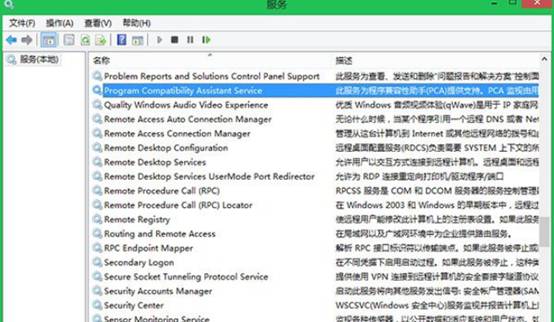
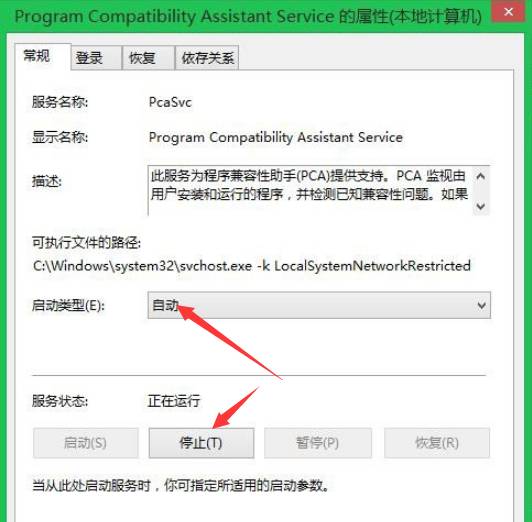
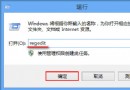
services.msc
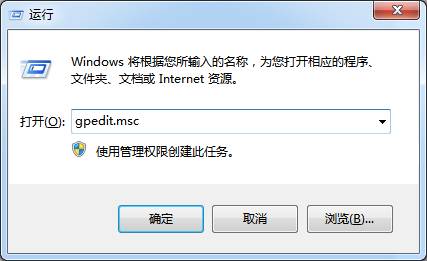
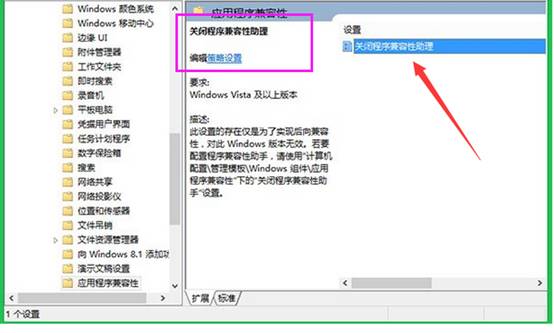
gpedit.msc
不再彈出「此程式可能無法正確執行」等相容性提示,減少干擾。
Windows 8.1 右键菜单“固定到开始屏幕”失效的注册表修复方案
Win8 提示無效金鑰錯誤 0x80070424?匯入登錄重建 Software Protection 服務修復授權
Win8.1 找回開始畫面「桌面」磚:Win+S 搜尋桌面右鍵釘選到開始畫面
Windows 8.1 Update 1 新功能搶先體驗:Modern 與桌面整合大幅強化
Windows 8 設定帳戶類型:標準用戶與管理員權限分配,守護系統安全
Win8 顯示控制台所有項目:網址列下拉選單選擇「所有控制台項目」
Win8 玩手機遊戲「像素鳥」:應用程式商店搜尋安裝,滑鼠點擊操作比觸控更精準
Win8 使用內建 Outlook 傳送電子郵件完整教學