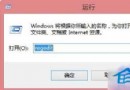
Windows 8.1 任務列通知區域 (系統匣) 圖示行為設定 (開啟/關閉/僅通知) 選項呈灰色無法點選,通常是登錄檔對應鍵值被錯誤設定為「禁止」所致。本文說明透過登錄編輯器修復的標準流程。
控制台 → 系統圖示 → 開啟或關閉系統圖示 → 音量/網路/電源/輸入法/動作中心等選項灰色不可變更。
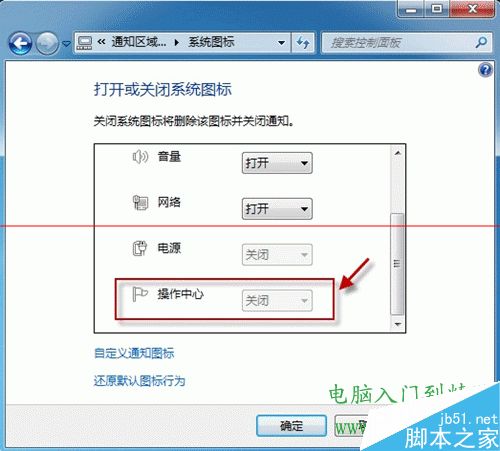
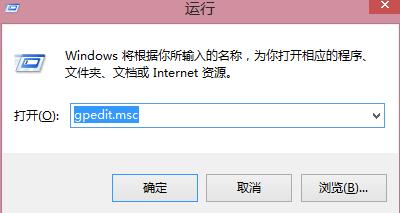
regedit 開啟登錄編輯器。HKEY_CURRENT_USER\Software\Classes\Local Settings\Software\Microsoft\Windows\CurrentVersion\TrayNotifyIconStreams, PastIconsStream),或針對特定系統圖示鍵值:HKEY_CURRENT_USER\Software\Microsoft\Windows\CurrentVersion\Policies\Explorer → 檢查 NoTrayItemsDisplay 等值。TrayNotify 下的 IconStreams 和 PastIconsStream 兩個二進位值,重新登入或重啟 explorer.exe 即可重建預設設定。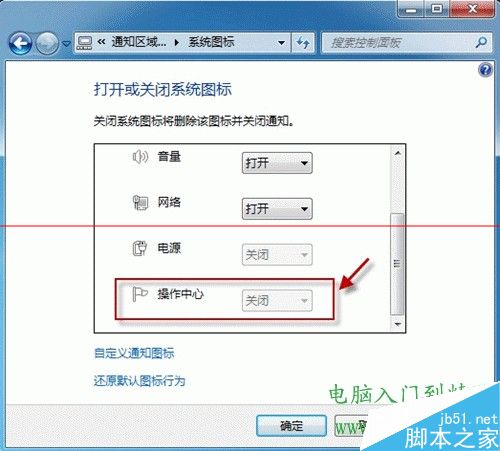
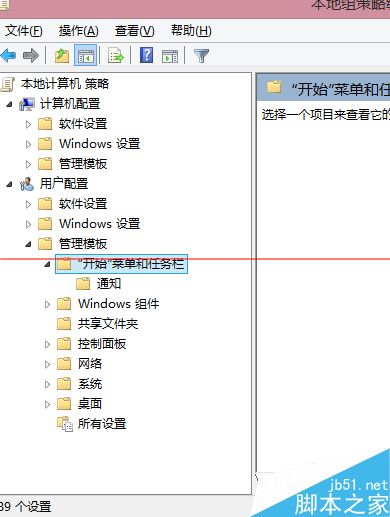
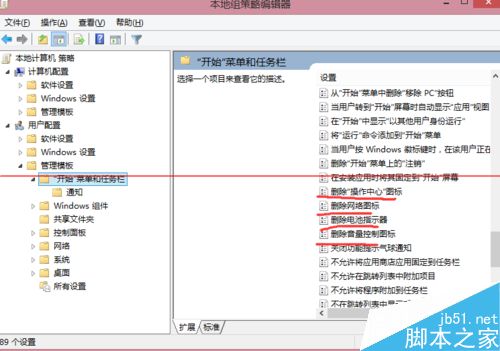
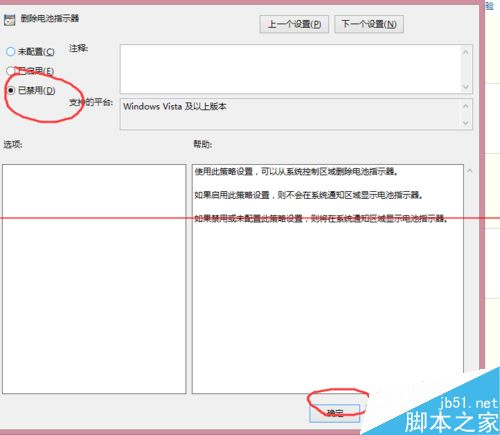
taskkill /f /im explorer.exedel /f /q %APPDATA%\Microsoft\Windows\Recent\AutomaticDestinations\*del /f /q %APPDATA%\Microsoft\Windows\Recent\CustomDestinations\*start explorer.exe修改登錄檔前建議匯出備份對應分支。企業環境若受群組原則管控,請諮詢 IT 管理員。