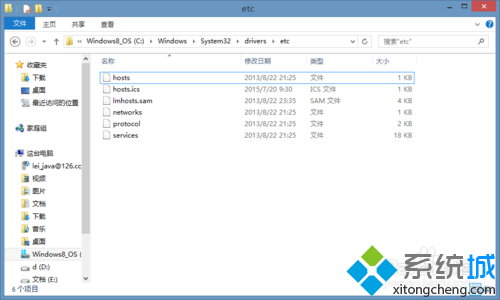
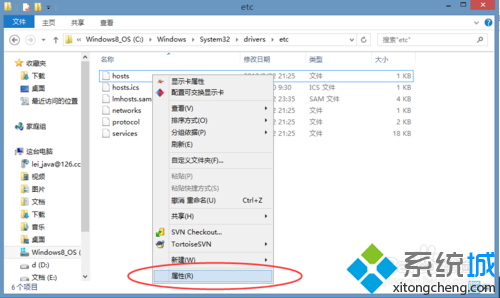
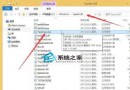
C:\Windows\System32\drivers\etc
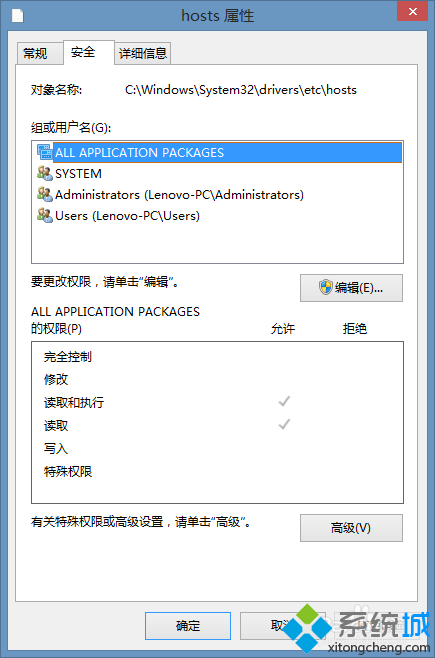
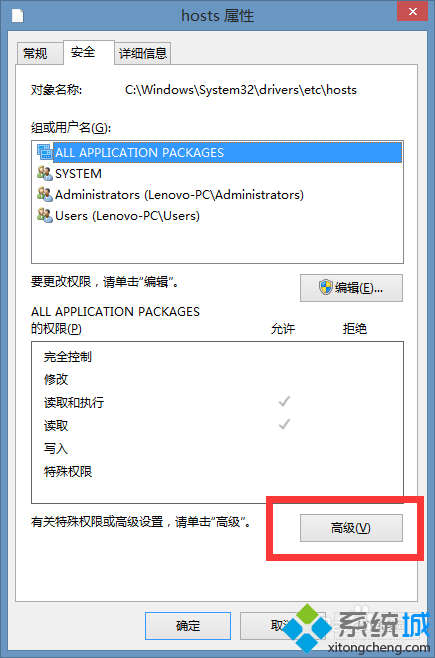
hosts
Everyone
hosts 為系統保護檔案,預設僅 TrustedInstaller 可寫入,需取得權限後才能修改儲存。
Windows 8.1 設定登入後直接進入傳統桌面
Windows 8 關機十大法:Charms Bar、快捷鍵、命令列、第三方工具全攻略
ThinkPad 筆電關閉 Win8 觸控手勢功能:僅保留點擊移動避免誤觸
Win 8 PPTV 看電影黑畫面三步修復:Media Player 設定調整
Win8 Windows 鍵在哪?Win 鍵 20 組必學快速鍵一次掌握
Win 8.1 更新提示「此更新不適用您的電腦」原因分析與解決對策
Windows 8.1 如何開啟 IIS 伺服器管理員
Win8 開始畫面快捷鍵大全:超級按鈕、應用命令、切換應用、最近應用清單操作指南