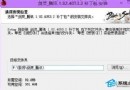
$Windows.~BT
$Windows.~BT\Sources
setupre.exe
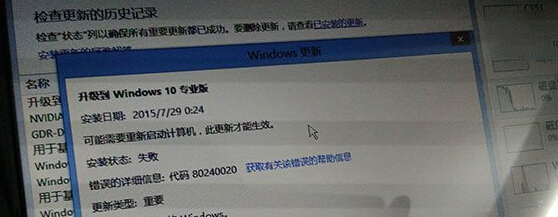
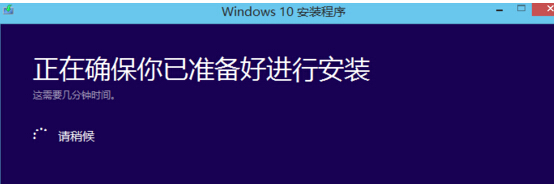
此問題與文章 80079 相同,核心在於安裝檔下載不全或損毀,重新執行安裝程式通常可修復。
Win8.1 玩《龍珠超宇宙》閃退停止工作?三大主因與對策
Windows 8 驅動程式強制簽名解除完整方案集(含圖文)
Windows 8/8.1 停用 Modern 鎖定畫面壁紙,直接進入登入畫面
Win8.1 開始畫面桌面磚消失?Win+S 搜尋「桌面」重新釘選
Win8.1 啟用滑動關機功能:一鍵關機新體驗
Win8 系統元件修復:DISM 指令一鍵修復損壞檔案
Win8 更新後視窗切換變卡?卸載 KB3033889 更新即可恢復流暢
Win8 安全移除 USB 後關閉裝置電源:修改登錄讓指示燈熄滅,確認真正斷電