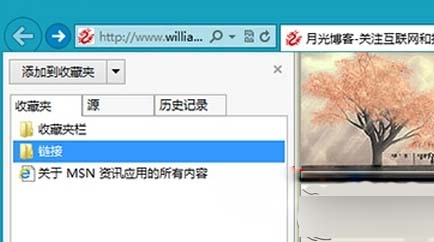
Windows 8 IE 瀏覽器可將收藏夾固定在左側側邊欄,方便隨時存取。
再次點擊釘子圖示可取消固定。
Win8 螢幕刷新率調整教學:解決畫面閃爍、抖動
Windows 8.1 細節 Bug:刪除確認對話框圖示出現粗糙黑邊
Surface RT 升級 Win8.1 耗電過快?開啟藍牙即可解決:微軟官方確認 UART 控制器阻礙 CPU 進入低功耗
Win8 開機後硬碟指示燈不亮?關閉快速啟動恢復正常硬碟活動顯示
Win8.1 開機數字鍵盤 Num Lock 未自動開啟?註冊表/登入介面/BIOS 三法強制開啟
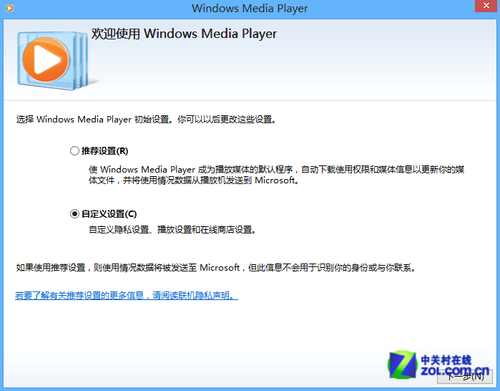
Windows 8 設定媒體串流完整圖文教學(含截圖)
Win8.1 筆記本螢幕亮度忽明忽暗?電源選項關閉「啟用自適應亮度」或禁用 Sensor Monitoring Service 服務
Win8 ATI 顯示卡無法開啟控制面板、PS 無法使用 GPU 加速?卸載驅動重裝原廠版本解決