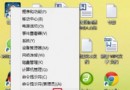
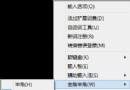
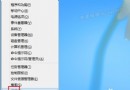
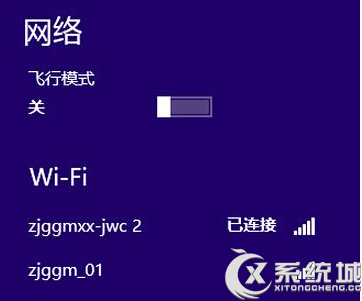
Windows 8 連接過多網路後,註冊表會殘留大量網路連線設定檔,雖不影響使用但顯示雜亂。可透過註冊表編輯器手動清理。
regedit 開啟註冊表編輯器。HKEY_LOCAL_MACHINE\SOFTWARE\Microsoft\Windows NT\CurrentVersion\NetworkList\Signatures\UnmanagedUnmanaged 下會看到多個子機碼(長字串),每個代表一個網路連線。展開查看 Description 或 ProfileName 識別不再使用的網路,右鍵刪除對應子機碼。操作前建議匯出 Unmanaged 機碼備份,誤刪可用網路設定檔僅會導致重新連線時需重新識別,不影響系統穩定。