Windows 8.1 64 位元透過 Windows Update 推送 KB2942844 (Adobe Flash Player 安全性更新) 時,常出現錯誤代碼 0x80073712(ERROR_SXS_COMPONENT_STORE_CORRUPT),表示元件存放區損毀。Windows Update 疑難排解、DISM RestoreHealth 甚至指定來源皆無效。本文提供經實測有效的三階段修復流程。
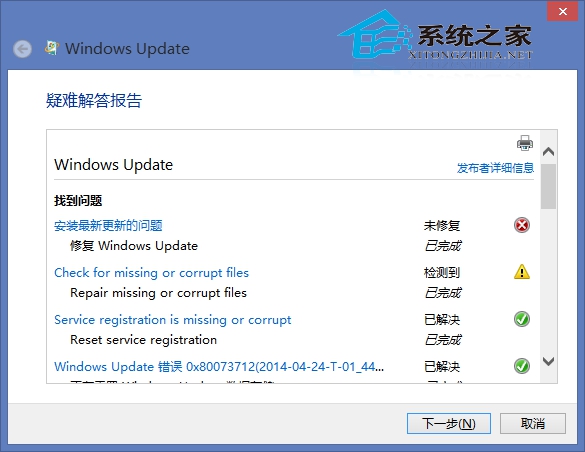
0x80073712 代表 WinSxS 元件存放區有檔案遺失或雜湊不符,導致更新無法驗證並安裝補丁檔案。Flash Player 更新雖小,但觸發了底層存放區損毀檢查。
services.msc。Windows Update、Background Intelligent Transfer Service、Cryptographic Services、Windows Installer、Software Protection、Windows Licensing Manager Service。
C:\Windows,將 SoftwareDistribution 資料夾重命名為 SoftwareDistribution_Old。dism /Online /Cleanup-Image /CheckHealthdism /Online /Cleanup-Image /RestoreHealth
完成三階段後,重新開機 → 開啟 Windows Update → 檢查更新 → KB2942844 應可順利下載安裝。若仍失敗,可至 Adobe 官網下載獨立安裝程式手動安裝 Flash Player,繞過 Windows Update 機制。
RestoreHealth 預設從 Windows Update 伺服器下載修復檔案,若離線環境需指定 /Source:wim:D:\sources\install.wim:1 或掛載 ISO。