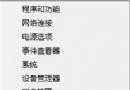
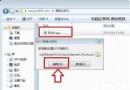
系統網路正常,但 Windows 8 應用商店提示無法連線、轉圈圈。此為商店 App 專屬的網路堆疊/快取/代理設定問題。
修復大全 (依成功率排序)
- 手動設定 DNS (最有效):
控制台 > 網路和共用中心 > 變更介面卡設定 > 右鍵當前網卡 > 內容 > IPv4 > 使用下列 DNS:
慣用:4.2.2.2 / 備用:4.2.2.1 (Level3 公共 DNS,國內直連穩定)。
- 清理商店/更新快取 (核心解法):
管理員 CMD:
net stop wuauserv
ren C:\Windows\SoftwareDistribution SoftwareDistribution.old
net start wuauserv
- 執行商店重置指令:
Win + R 輸入 wsreset.exe 執行,等待自動重開商店。
- 關閉系統代理:
設定 > 網路 > 代理 > 關閉「使用代理伺服器」。
- 檢查 IE 區域網路設定:
IE > 工具 > 網際網路選項 > 連線 > 區域網路設定 > 取消勾選所有選項 (自動偵測/Proxy/腳本)。
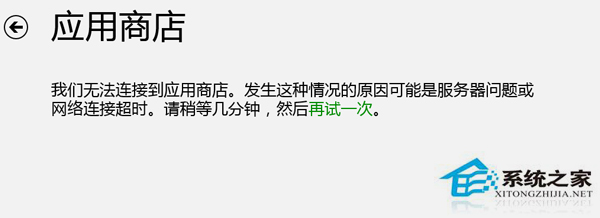
依序執行上述步驟,第 1+2 招組合成功率極高。商店 App 對 DNS 解析與代理設定極度敏感,公開 DNS + 清快取通常即可痊癒。