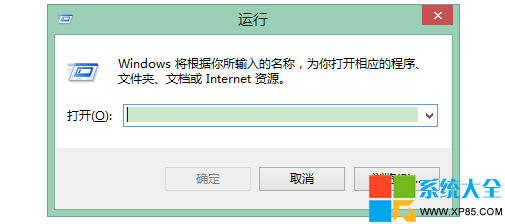
Windows 8 內建的 Internet Explorer 使用 ActiveX 版 Flash Player。若網頁 Flash 內容顯示空白、提示安裝或載入失敗,通常是 `Flash.ocx` 元件註冊遺失或損毀。透過命令提示字元重新註冊即可修復。
修復指令(以系統管理員身分執行 CMD)
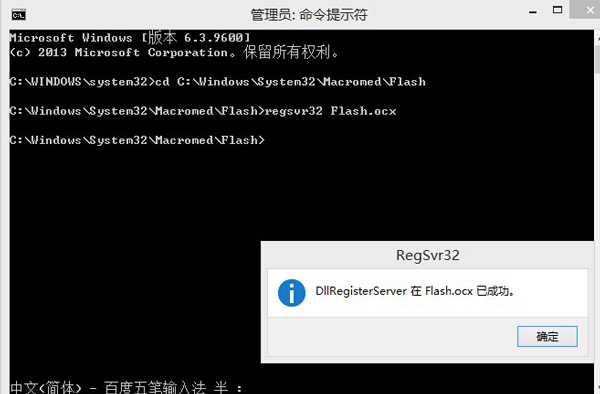
cd C:\Windows\System32\Macromed\Flash
regsvr32 Flash.ocx
cd C:\Windows\SysWOW64\Macromed\Flash
regsvr32 Flash.ocx
- 按 Win + X 選擇 「命令提示字元 (系統管理員)」(或 Windows PowerShell (系統管理員))。
- 依序貼上上述四行指令,每行按 Enter 執行。
- 若出現「DllRegisterServer 在 Flash.ocx 成功」對話框,即表示修復完成。
補充說明
- 64 位元系統需同時註冊 System32(64 位元 IE 用)與 SysWOW64(32 位元 IE/其他瀏覽器用)下的 Flash.ocx。
- 若執行後仍無法載入,建議前往 Adobe 官網下載最新版 Flash Player 完整安裝程式重新安裝(注意取消勾選捆綁軟體)。
- 註:Adobe 已於 2020 年底停止支援 Flash Player,現代網站多已轉用 HTML5,此修復僅適用於舊版網站相容性需求。