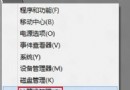
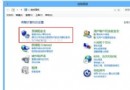
任务管理器显示 svchost.exe 持续高网络占用,多为 BITS (Background Intelligent Transfer Service) 在后台下载更新/补丁。禁用该服务即可止住流量。
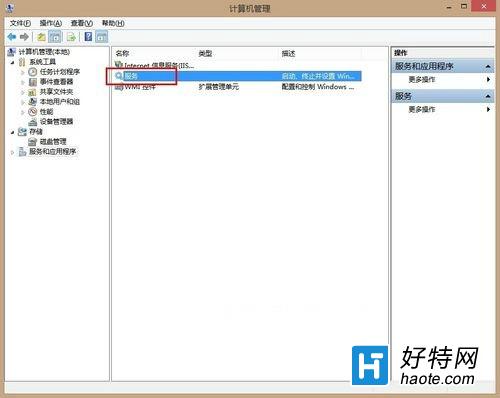
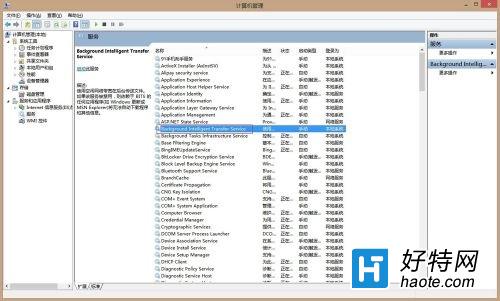
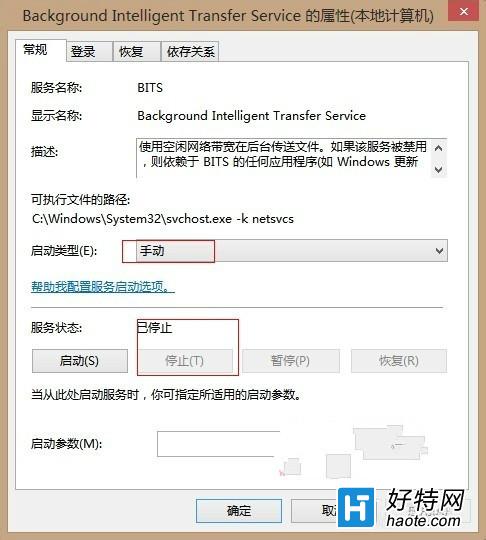
注意:禁用后 Windows Update 无法自动下载补丁,建议改为“手动”启动类型,需更新时临时启用服务再检查更新,平时保持停止状态。
Win8.1 取得體驗指數兩大法:命令列 Winsat Formal 或 ChrisPC Win Experience Index 工具
Win8 開啟 PDF 彈出要求管理員密碼?設定閱讀器「以管理員身分執行」解決權限不足
Windows 8 右下角時間格式設定:24/12 小時制切換與時鐘圖示消失恢復
Win8.1 系統字體模糊不清?調整 DPI 縮放與相容性設定解決
善用 SFC /Scannow 一鍵修復 Win8 系統受損元件
Win8 禁止 Explorer 資料夾自動刪除縮圖快取:保留縮圖顯示
Win8/8.1 恢復開機按 F8 進入進階啟動選單:bcdedit /set {default} bootmenupolicy legacy