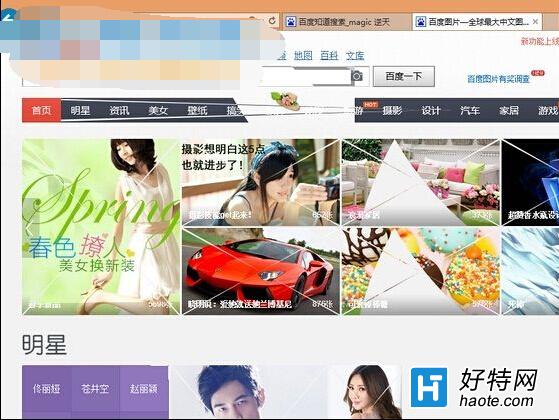
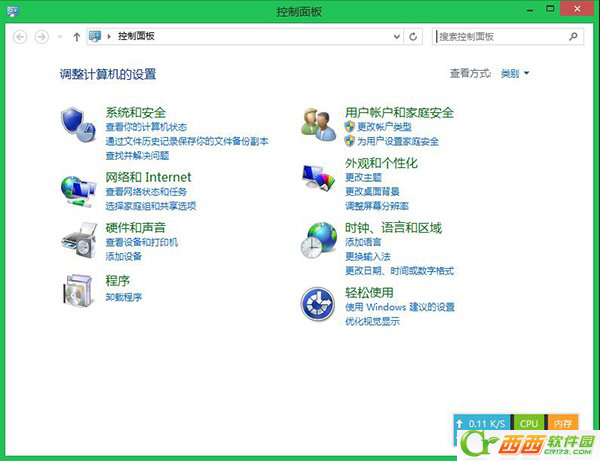
強迫症受不了網頁字號大小不一,Win8 IE 可固定字號:
三步驟固定字號,不再為閃爍、大小不一字體煩躁。
Win8 桌面側邊欄顯示小工具(Gadgets)設定教學
Win8 Modern UI 控制台磚片消失?搜尋複製捷徑恢復法
Windows 8 Metro 畫面任務切換技巧:左上角點擊、左邊緣滑動、Win+Tab 三種方式
Win 8 平板模式截圖神鍵:Win 鍵 + 音量鍵下,一秒全螢幕存檔
Windows 8 驅動程式強制簽名解除完整方案集(含圖文)
Windows 8 專業拍照應用程式推薦:YouCam、相機、CAS
Windows 8 鎖定畫面壁紙自訂全攻略:本地圖片、Bing 每日美圖、系統預設圖提取
Win8 麦克风声音太小?属性里开启“麦克风增强”调大增益