Windows 8 電話啟動完整流程與客服專線
Windows 8 線上啟動失敗時,可使用電話啟動。以下為完整操作步驟與語音提示對照。
電話啟動步驟
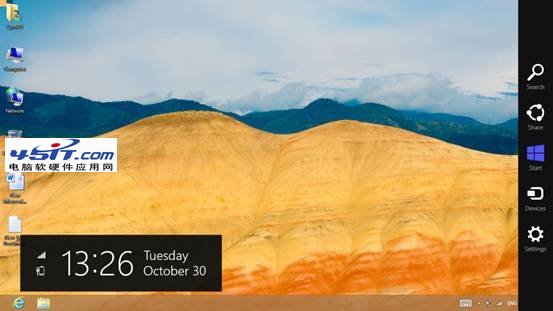
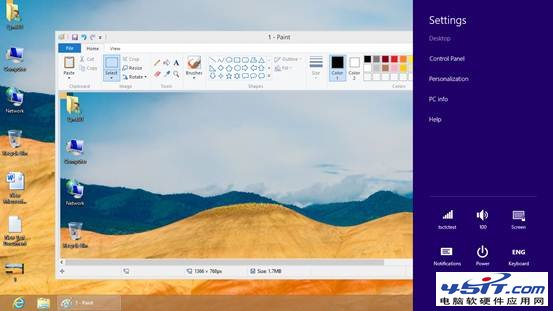
- Charms 列 →「設定」→「變更電腦設定」。
- 選擇「啟動 Windows」→「依電話啟動」。
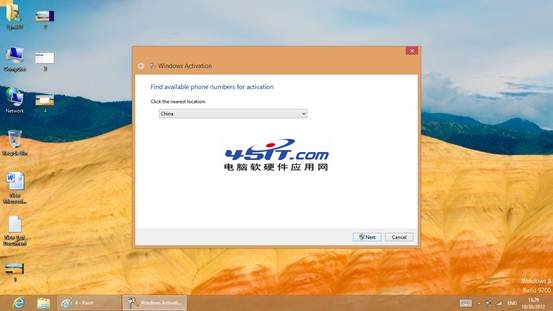
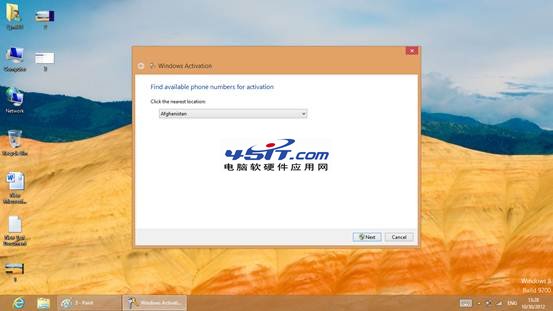
- 選擇國家/地區(台灣)。
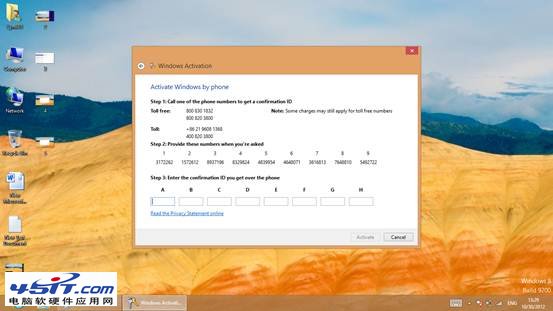
- 撥打啟動專線:400-830-1832(大陸)/ 0800-XXX-XXX(台灣,以畫面顯示為準)。
- 依語音提示輸入畫面上 9 組安裝 ID (每組 6 位數)。
- 語音回報 8 組確認 ID (每組 6 位數),輸入畫面對應欄位 (A-H)。
- 點選「下一步」完成啟動。
語音提示關鍵對照 (英文/中文)
- 「Press 1 as a home user」→ 家庭用戶按 1。
- 「Please enter the first group now」→ 輸入第一組安裝 ID。
- 「Thank you! And the second group」→ 輸入第二組... 依序至第九組。
- 「Please wait while your confirmation number is generated」→ 等待產生確認 ID。
- 「On how many computers is your product currently installed?」→ 安裝在幾台電腦?單機按 1。
- 「We will now continue to activate your product」→ 開始啟動。
- 「Here is Block A: ******」→ 記下 A 組確認 ID,依序至 H 組。
- 「To complete, click the next button... then click finish」→ 點選「下一步」→「完成」。
若金鑰失效會提示無法啟動,需更換金鑰或轉人工服務。電話啟動適合離線環境或線上啟動受阻情況。