下載喜歡的字體 (.ttf/.fon) 後,安裝極簡單:直接複製到系統字體資料夾,或在控制台「字體」視窗拖曳放入,Word/PS 等軟體即刻可用。
C:\Windows\Fonts (系統盤非 C 盤請自行調整)。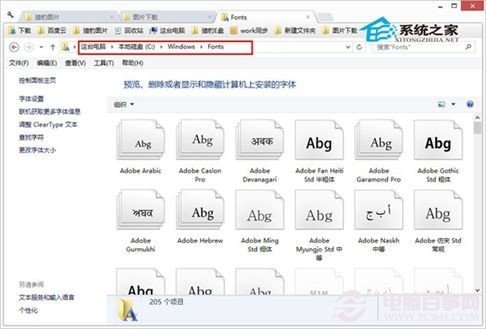
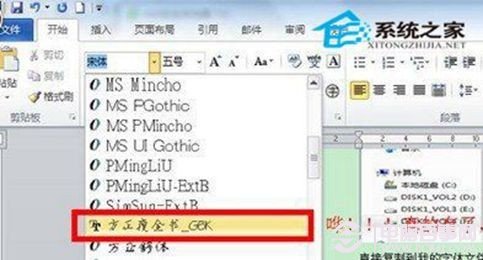
控制台 → 字體 → 直接將字體檔拖入視窗空白處,同樣完成安裝。
Win 7/8/8.1/10 通用,輕鬆擴充個人字體庫,讓文件、設計作品更具辨識度。
Windows 8 Consumer Preview 官方下載連結彙總:简体中文/英文/多語言版、SHA1 驗證、產品金鑰
Windows 8 消費者預覽版深度體驗:Metro 介面、Charms 列、檔案管理與工作管理員全面進化
Windows 8 升級 Windows 8.1 預覽版:資料保留完整指南
Windows 8 「執行」命令在哪?兩種快速開啟方法:Win+R 與右鍵開始按鈕
ThinkPad Windows 8 停用觸控板手勢功能:僅保留點擊與移動
Win8.1 觸控鍵盤無聯想字詞?同 Win8 解法:切換手寫模式為「單獨書寫每個字元」