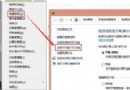
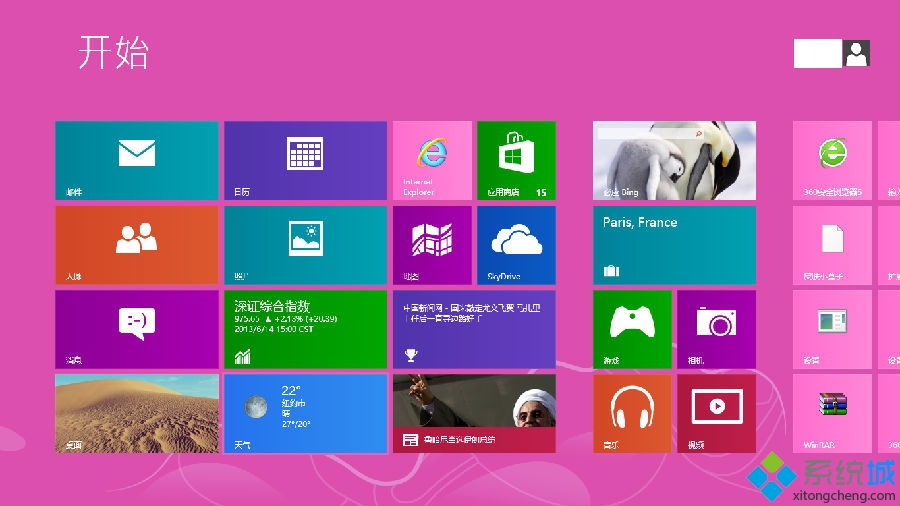
Windows 8 開發者預覽版 x86 英文版可透過安裝簡體中文語言包 (lp.cab) 實現介面漢化。操作路徑:控制台 → 區域和語言選項 → 鍵盤和語言 → 安裝/解除安裝語言 → 安裝語言 → 選擇 lp.cab 所在目錄 → 下一步完成。注意:此語言包系 Win7 修改而來,漢化不完全,但無覆蓋式修改的各類 Bug。
安裝後介面大部分中文化,建議正式版釋出後改用官方語言包。
Windows 8/8.1 磚塊背景設定教學
Windows 8.1 擴充分區指令操作:DiskPart 建立延伸分區與邏輯磁碟機
Windows 8 將非執行檔 (文件/捷徑) 釘選到開始畫面技巧
Skip Metro Suite:一鍵讓 Win8 開機跳過開始畫面直進桌面,並可選擇性關閉熱區與 Charms 列
Win8.1 安裝軟體報錯「內部錯誤 2203」?Temp 資料夾授權 SYSTEM 完全控制修復
微軟 Windows 8 Consumer Preview 安裝須知:三種安裝方式、金鑰、相容性、無法解除安裝
Win8 安裝 QQ 提示「偵測到 TM 正在執行」?關閉工作管理員即可解決
升級 Win8.1 出現黑畫面?進入安全模式更新顯卡驅動解決