英文版 Windows 8 執行中文軟體常現亂碼。解決核心:控制台 → 時鐘、語言和地區 → 區域 → 系統管理 → 變更系統地區設定 → 選擇「Chinese (Simplified, PRC)」→ 重開機。同步修改「格式」欄可徹底修正,但時間格式將變為中文樣式。
修正步驟
- 控制台 →「Clock, Language and Region」→「Region」。
- 「Administrative」索引標籤 →「Change system locale...」。
- 下拉選單選「Chinese (Simplified, PRC)」→ 確定。
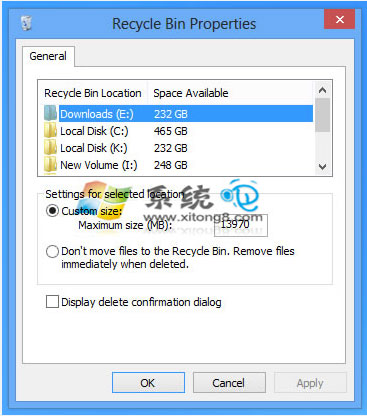
- 提示重開機 →「Restart now」。
瀏覽器網頁亂碼補救
- Firefox:右鍵 → 文字編碼 → 選擇「GBK」或嘗試其他編碼。
- 其他瀏覽器同理,對應編碼選單修正。
此法同樣適用於 Windows 7,英文版系統執行中文軟體必學技巧。