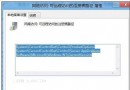
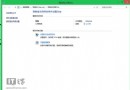
Windows 8 連接 iPad/iPhone 無反應、裝置管理員顯示「蘋果行動裝置」黃驚嘆號,主因是 Apple Mobile Device Support (AMDS) 驅動版本與 iTunes 不匹配。完整移除 iTunes 與 AMDS 後重裝最新版 iTunes 即可修復。
修復步驟
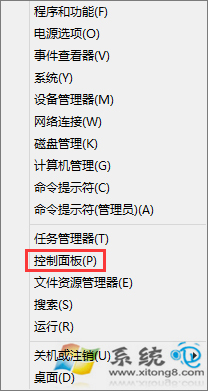
- 控制台 → 程式和功能 (小圖示檢視)。
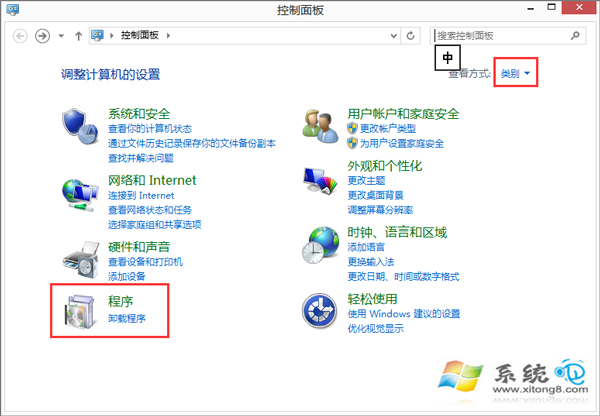
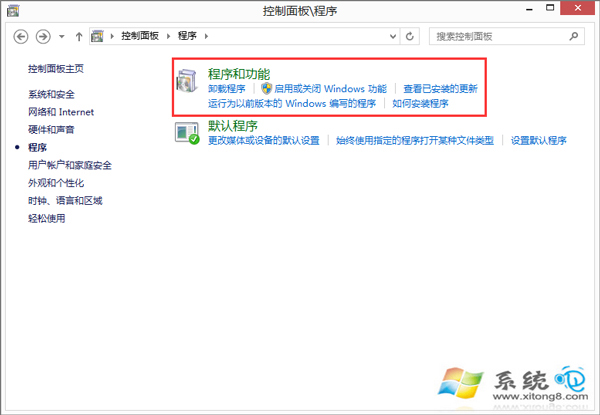
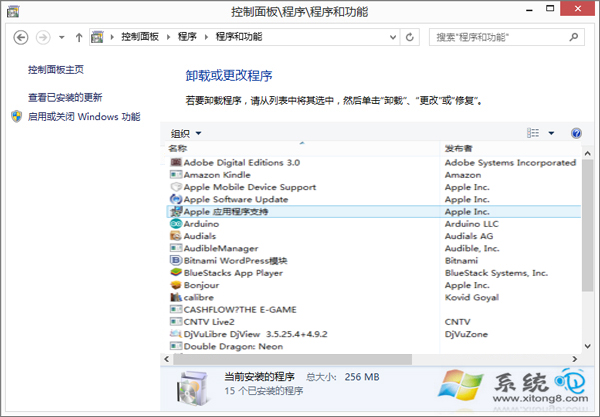
- 依序解除安裝 (順序重要):
① Apple Mobile Device Support (iOS 裝置驅動核心,常被忽略)
② iTunes
③ Apple Application Support (32/64 位元)
④ Bonjour (可選保留)
- 官網下載最新 iTunes 64 位元版 安裝,過程會自動安裝相容版 AMDS。
- 重新連接 iPad/iPhone,裝置管理員應顯示「Apple Mobile Device USB Driver」正常運作。
常見誤區
- 僅重裝 iTunes 不移除 AMDS → 驅動版本衝突持續。
- 使用第三方助手 (iTools, iFunBox) 仍需 AMDS 驅動,同樣需修復。
- USB 連接埠供電不足 (前置面板/分享器) 導致識別失敗,請改用主機板後方 USB 3.0/2.0 直連。