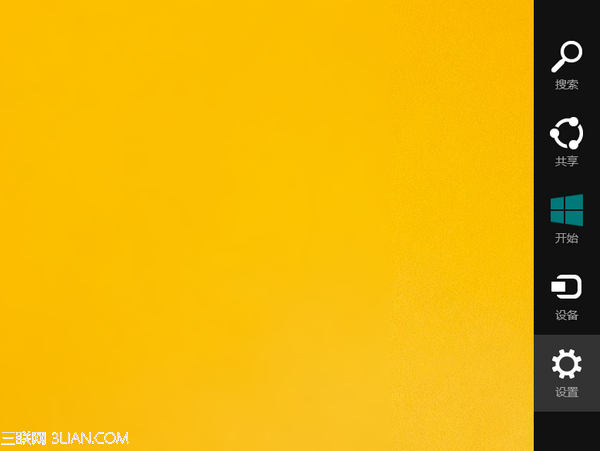
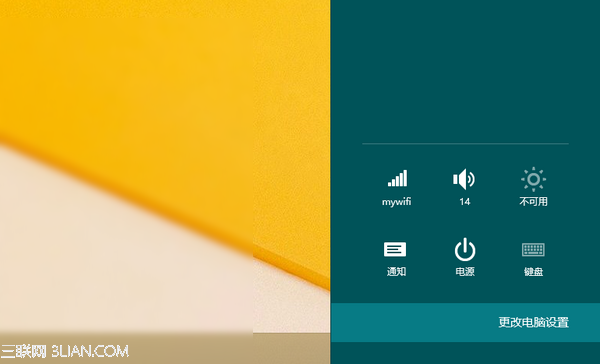
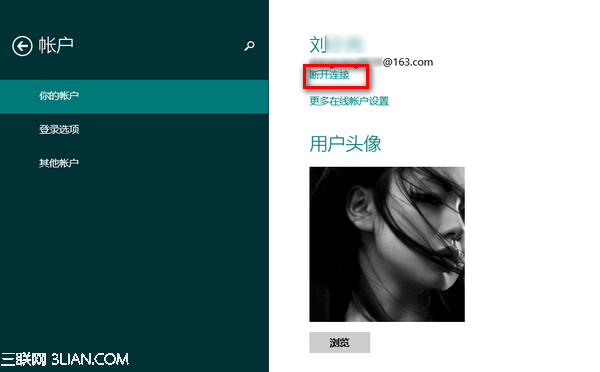
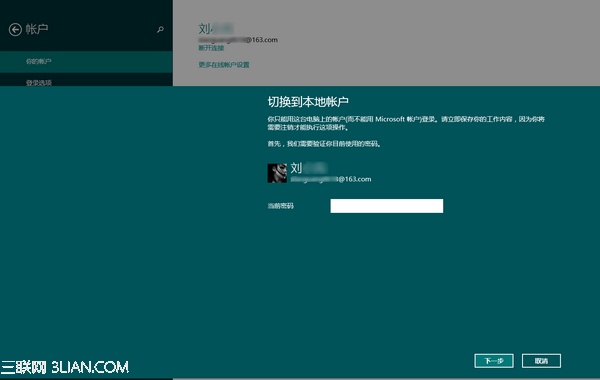
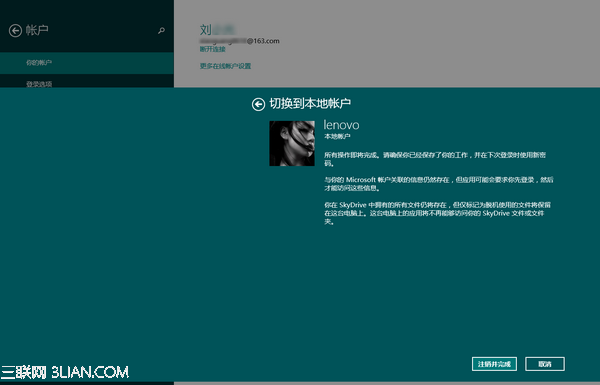
想改用本地帳號登入 Windows 8.1?六步驟完成切換:
切換後不再同步設定至雲端,適合偏好離線使用者。
Windows 8 建立系統修復媒體:USB 隨身碟與光碟雙管道完整教學
Win8 開始畫面釘選任意檔案:註冊表新增「釘選到開始畫面」右鍵選單,支援所有檔案類型
Win8.1筆電螢幕亮度無法調節?從註冊表、驅動更新到核顯驅動重裝完整排查實錄
Windows 8 正式版最快明年上市:業界預測 2012 秋季至 2013 年
Windows 8 任務排程器實現定時啟動程式:建立基本工作、設定觸發時間、指定啟動程式(以 QQ 為例)
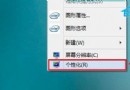
Windows 8 桌面右鍵選單遺失「個人化」修復:登錄檔一鍵還原
Windows 8 開始選單曝光:Metro 風格、僅四選項 (設定/裝置/分享/搜尋)
Windows 8 執行命令大全:108 個 Run 指令快速存取系統工具與設定