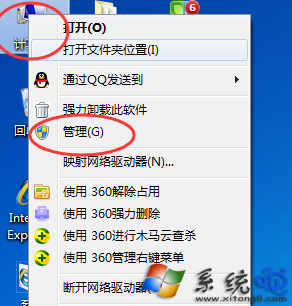
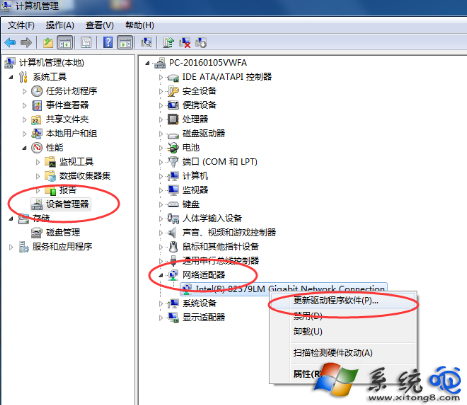
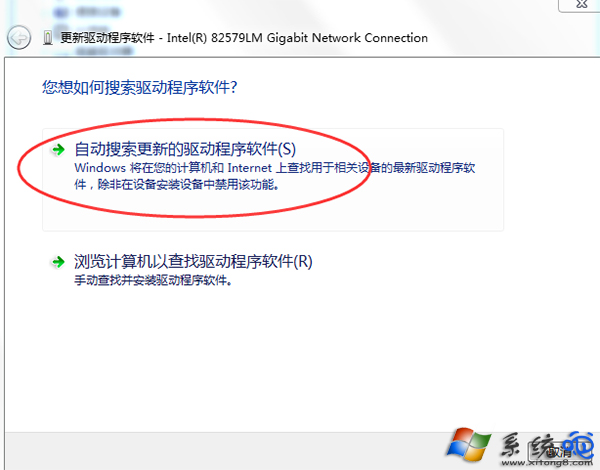
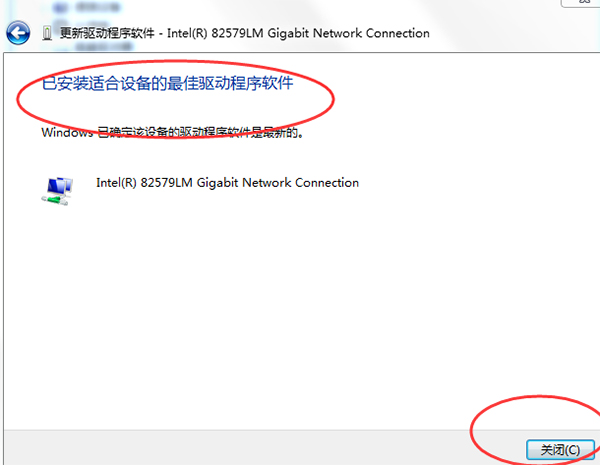
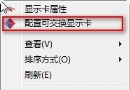
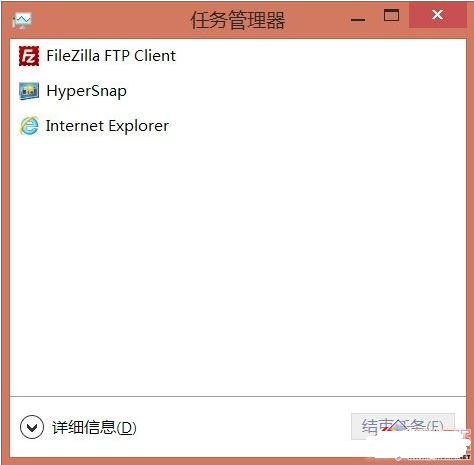
Win8 無線網卡頻繁斷線,更新驅動:
微軟確認 Windows 8 不會恢復傳統開始按鈕,堅持 Metro 設計路線
Win8 遠端桌面連線:內建應用與商店應用雙管齊下
Win10 磁碟分區不顯示 C/D/E/F 磁碟機代號?磁碟管理指派代號修復
Windows 8 建立新使用者帳戶完整圖文教學(Microsoft 帳戶與本機帳戶)
Win8.1 如何取消資料夾/檔案共用?右鍵「共用」→「停止共用」
Windows Store 應用程式上傳流程指南:開發者中心提交、定價、分級、認證與儲存進度
Windows 8 開機自動開啟 Bing 首頁解決方案:群組原則關閉 NCSI 主動探測與登錄清理
Windows 8.1 筆電觸控板無反應:Fn+F5 快速開啟、或設定介面啟用觸控板