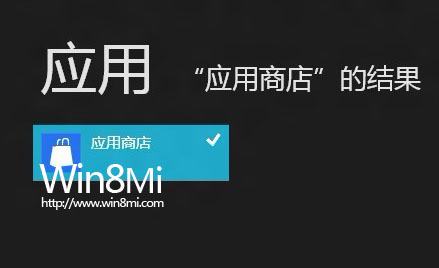
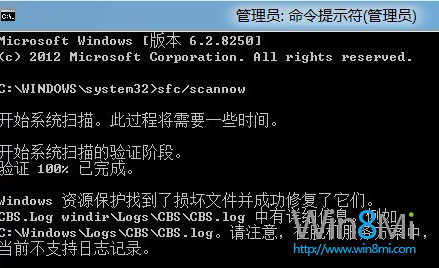
Windows Store 消失通常因相容性不佳的優化清理工具誤刪。請嘗試以下兩種找回方法:
sfc /scannow
若以上無效,建議重新安裝或使用系統還原功能。
Windows 8 瀏覽器相容性抽測:360極速、Firefox、財貓省錢瀏覽器實測報告
Windows 8 管理員帳戶設置完整教程:啟用內建 Administrator 與提升標準帳戶權限
Windows 8 IE10 無法啟動?註冊表權限繼承修復法
Win8.1 如何開啟免打擾模式(安靜時段)
微軟釋出 Windows 8 Release Preview 並宣佈進入 RTM 開發階段
2012 微軟全球合作夥伴大會 (WPC) 聚焦:Windows 8、Office 365、Surface、Windows Phone 8 釋放合作商機
Win8 滑鼠指向資料夾顯示提示資訊:資料夾選項一鍵開啟
Windows 8 新介面「電腦設定」輕鬆新增/移除裝置完整教學