Windows XP Windows 7 Windows 2003 Windows Vista Windows 綜合教學 Linux 系統教學
Windows 10 Windows 8 Windows 2008 Windows NT Windows Server 電腦軟體教學

Windows 8 開發者預覽版安裝教學 (歷史參考)

編輯:Windows 8 系統介紹

本文記錄 Windows 8 開發者預覽版 (2011 年釋出) 安裝流程,僅供歷史參考。正式版安裝流程大同小異,但硬體需求、驅動支援、功能細節已大幅更新。

系統需求 (同 Windows 7/Vista)

  • CPU:1 GHz+ (x86/x64)
  • RAM:1GB (32-bit) / 2GB (64-bit)
  • 磁碟:16GB (32-bit) / 20GB (64-bit)
  • 顯卡:DirectX 9 + WDDM 1.0
  • 觸控:多點觸控螢幕 (選配)

安裝方式一:Windows 7 環境下直接安裝 (升級/並存)

  1. 解壓 ISO 至非系統盤 (非 C:)
  2. 雙擊 `Setup.exe`
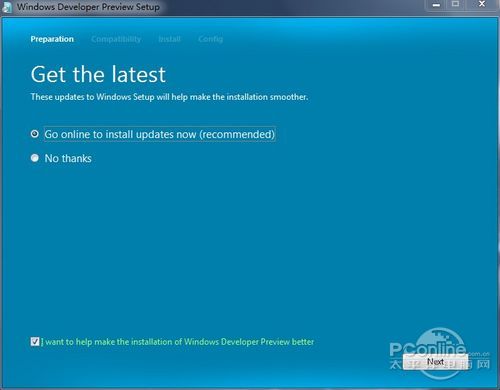
  3. 選擇「不取得更新」加速
  4. 接受授權條款
  5. 選擇「自訂 (進階)」→ 選擇目標分區 → 安裝

Setup 啟動畫面

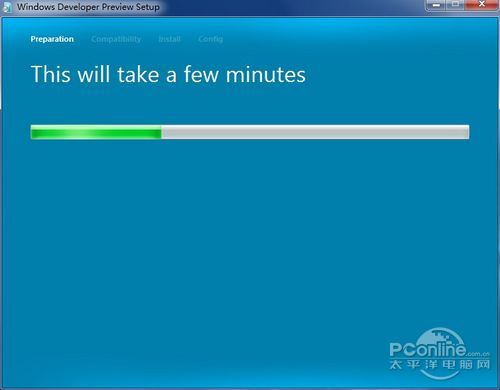
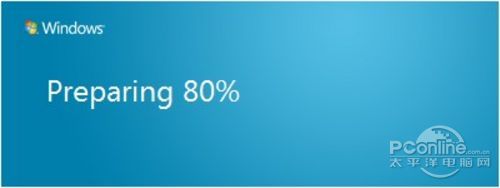
準備中

線上更新選擇

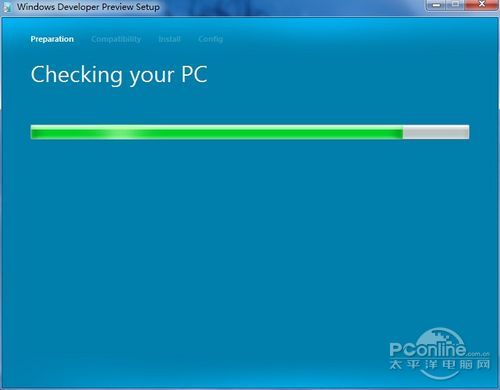
準備安裝

分區選擇

虛擬機安裝注意

  • 早期版本於 VirtualBox/VMware Workstation/Virtual PC 安裝失敗率高
  • Linux KVM/QEMU 相容性較佳
  • 正式版已全面支援主流虛擬化平台

現代安裝建議

  • 使用 Microsoft 官方 Media Creation Tool 製作 USB 安裝媒體
  • UEFI 模式安裝 (GPT 分區),支援 Secure Boot
  • 全新安裝優於升級安裝,避免遺留問題
Copyright © Windows教程網 All Rights Reserved