WIMBoot 部署流程精簡為三步驟,核心在於 DISM 優化映像使其支援壓縮啟動。
傳統安裝需解壓縮 WIM 釋放所有檔案,WIMBoot 僅寫入壓縮映像與指標檔,大幅縮短部署時間與空間佔用。
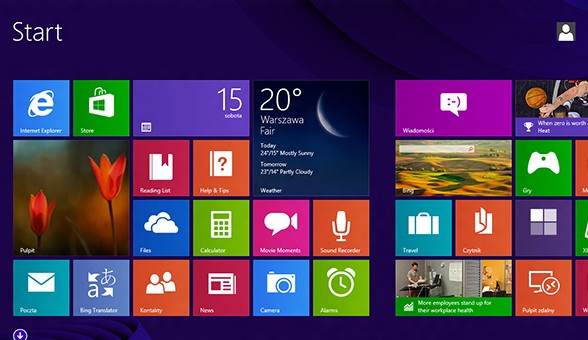
Windows 8.1 開機直接進入傳統桌面:任務列導覽設定一鍵搞定
Windows 8.1 IE 瀏覽器無法使用注音/倉頡等輸入法解決方案
企業部署 Windows 8 應用策略:Windows Store 與側載兩大管道、LOB 內部應用、跨平台開發優勢
Windows 8 資源管理器快速查看系統屬性技巧:兩鍵直達
深度體驗 Windows 8 內建防火牆:規則管理、通知自訂、高級雙向過濾
Win 8.1 設定 DNS 完整圖文教學:解決應用商店無法開啟、更新失敗問題
Windows 8.1 找回傳統開始選單完整指南:手動建立工具列與 Classic Shell 兩大方案
開啟 Win 8 隱藏功能:修改登錄啟用 Ribbon 探索器、畫圖新介面、攝像頭應用等實驗性特性