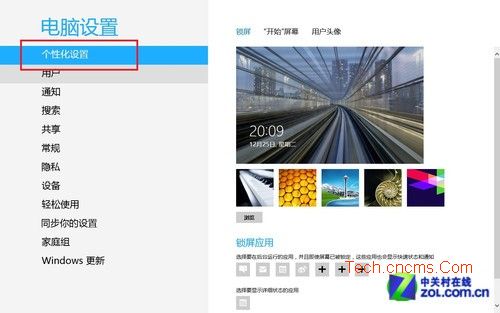
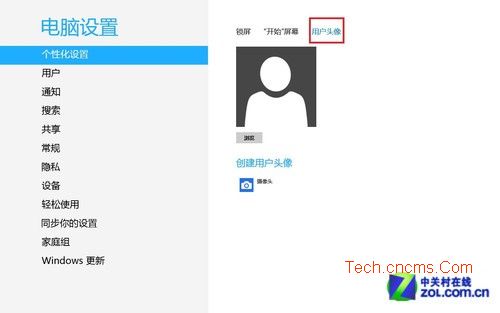
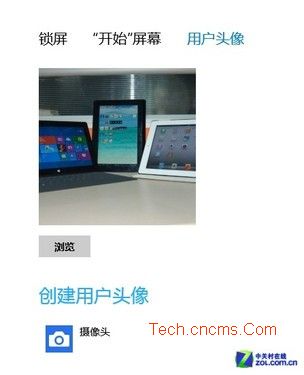
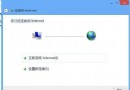
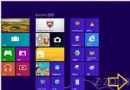
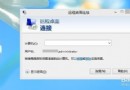
Windows 8 安裝完成後,帳戶頭像預設為灰色剪影。透過「個人化設定」即可輕鬆更換。
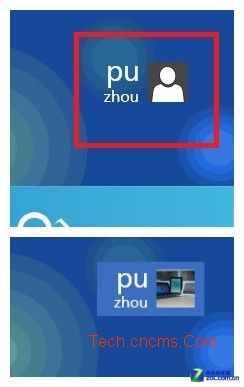
設定完成後,登入畫面、開始畫面右上角、控制台使用者帳戶等處將同步顯示新頭像。
Windows 8 藍畫面重開機排除指南:常見原因、內建自癒、藍屏分析工具 BlueScreenView 完整教學
Windows 8 關閉系統保護功能以釋放磁碟空間完整教學
Win 8.1 電腦管理無法開啟 匯入登錄檔修復 .exe 關聯
Windows 8 VHD + BitLocker 打造加密私人資料倉:無需第三方軟體的資料保護方案
Windows 8.1 螢幕亮度無法調整?完整排除與解決方案
Win8 磁碟機代號消失?磁碟管理重新指派磁碟代號找回分區
Win8 升級 Win10 失敗錯誤 80240016?重置 Windows Update 元件修復
Win8 螢幕截圖自動存桌面:登錄表修改法讓截圖不再躲深閨