Windows XP Windows 7 Windows 2003 Windows Vista Windows 綜合教學 Linux 系統教學
Windows 10 Windows 8 Windows 2008 Windows NT Windows Server 電腦軟體教學

Windows 8 尋找遠端桌面連線:Win+Q 搜尋與應用商店安裝兩種方法

編輯:Windows 8 系統介紹

方法一:系統內建 (Win+Q 搜尋)

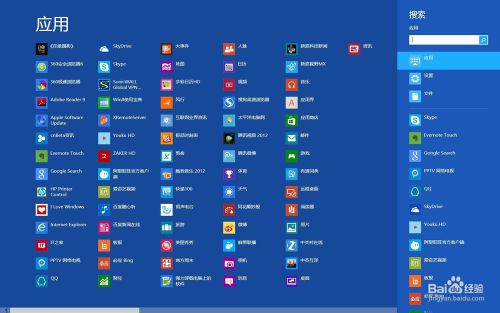
  1. 按 Win + Q 開啟應用程式搜尋 (Metro 搜尋)。
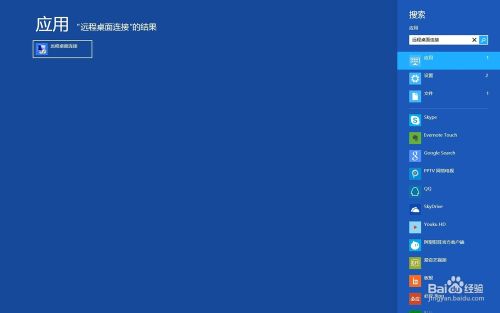
  2. 輸入「遠端桌面連線」或 mstsc。
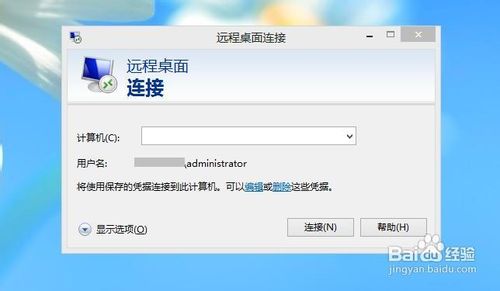
  3. 左側結果點選「遠端桌面連線」即可啟動傳統桌面版遠端桌面客戶端。

遠端桌面連線圖示

Win+Q 搜尋遠端桌面

搜尋結果啟動

方法二:應用商店安裝 Metro 版遠端桌面

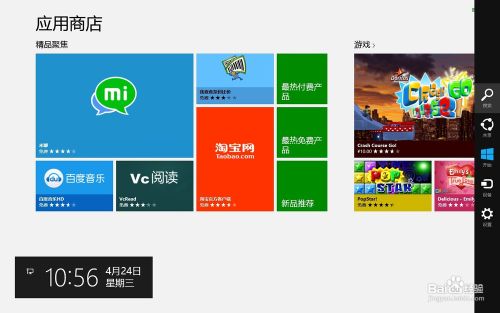
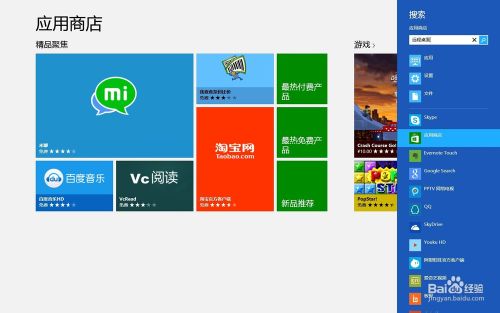
  1. 開啟「應用商店」> Win + C >「搜尋」。
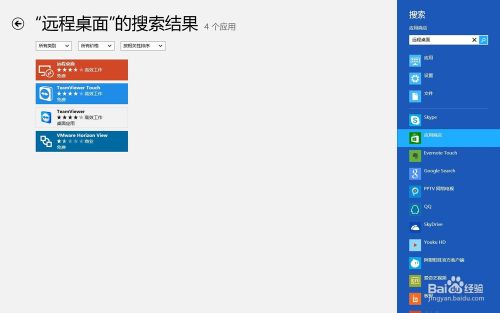
  2. 輸入「遠端桌面」> 搜尋。
  3. 安裝「Microsoft Remote Desktop」 (Metro 版),支援觸控操作、多帳戶管理、閘道設定等現代化功能。
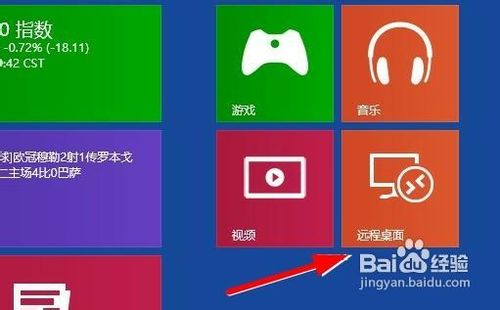
  4. 安裝後可在開始畫面直接啟動。

應用商店搜尋

搜尋結果

安裝 Metro 遠端桌面

開始畫面啟動

差異比較

特性傳統 mstsc (桌面版)Metro 版 Remote Desktop
介面傳統視窗Metro 全螢幕/觸控優化
多連線管理需另開視窗內建連線中心管理多台
閘道/RD Gateway支援支援
適用場景系統管理員、桌面用戶平板/觸控裝置、輕量連線
Copyright © Windows教程網 All Rights Reserved