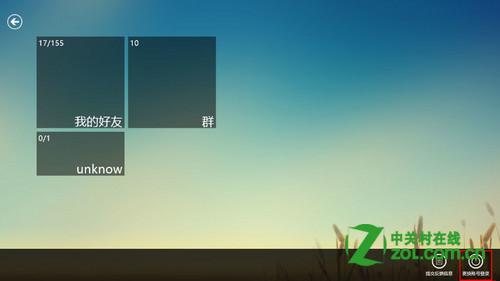
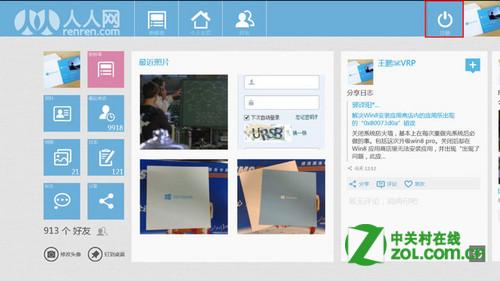
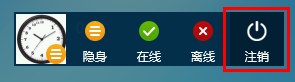
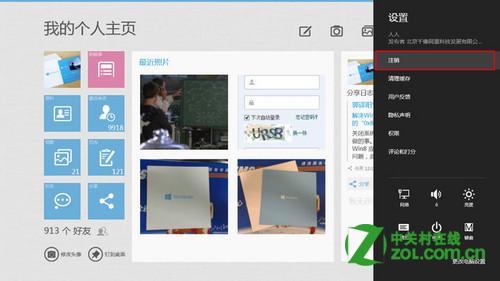
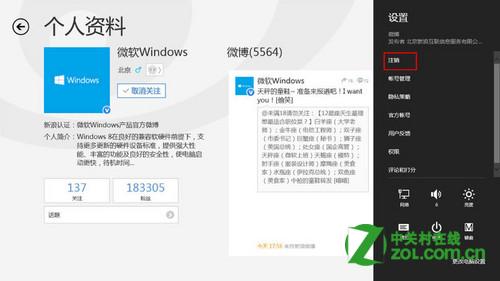
Windows 8 Metro 風格應用的登出方式由開發者決定,常見於 App Bar (右鍵或邊緣滑動)、點擊頭像變更狀態、或 Charms 列「設定」→「帳戶」中。本文以 Metro QQ 為例示範三種登出路徑。
建議開發者在 App Bar 明確提供登出選項,降低使用者學習成本。
Windows 8 多重開機修改預設啟動系統:系統屬性進階啟動設定教學
Windows 8.1 Preview 升級安裝完整實測:硬體需求、語言支援、保留選項、安裝流程 19 步驟圖解
Win8 修改系統電源方案完整圖文教學
Win8.1 修改 DNS 伺服器完整指南:解決 ISP 劫持、挑選最快公共 DNS
Windows 8.1 預覽版簡體中文下載、新功能詳解與安裝需求
Windows 8 內建「History Vault」備份功能:類 Time Machine 的時間軸還原
Windows 8/8.1 找回消失的休眠選項完整教學
Win8 輕鬆掃描硬體變更:裝置管理員三種操作入口