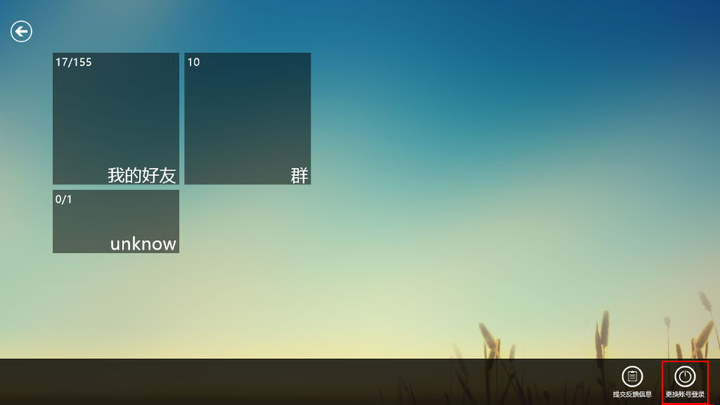
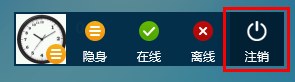
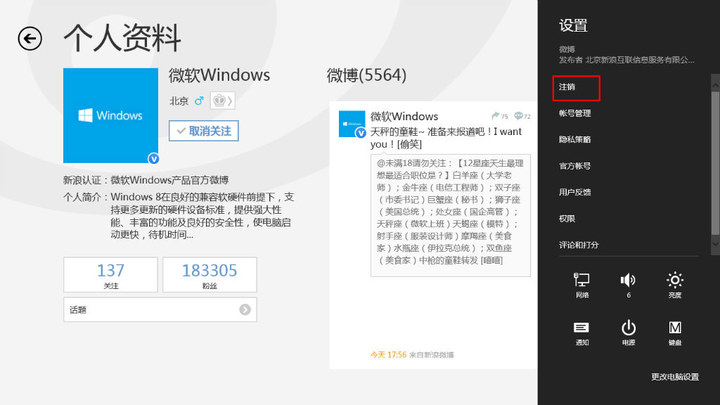
需進入一級介面 > 「設定」> 「登出」,步驟較繁瑣。
掌握 QQ 點擊頭像登出捷徑,可大幅縮短切換帳號時間。
Windows 8 快速隱藏磁碟分割區:磁碟管理移除磁碟機代號,三步驟保護隱私資料
Windows 8 引入「刪除開關」:PC 邁入遠端刪除時代,隱私與安全引雙重辯證
Windows 8 將應用程式釘選至開始畫面,快速啟動常用工具
Windows 8.1 建立休眠捷徑一鍵休眠:桌面新增捷徑指向 rundll32.exe powrprof.dll,SetSuspendState 0,1,0
Windows 8.1 Update 更新失敗錯誤代碼 80070020/80073712/0x800f081f 解決方案:兩行 DISM 指令快速修復
微軟釋出修復方案 解決 Windows RT 8.1 升級後電池續航大幅縮水問題