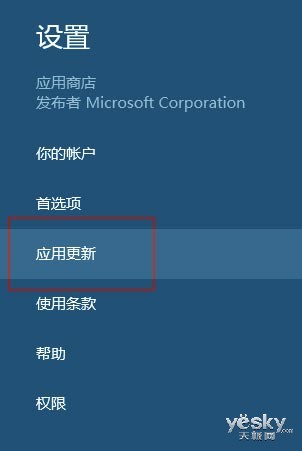
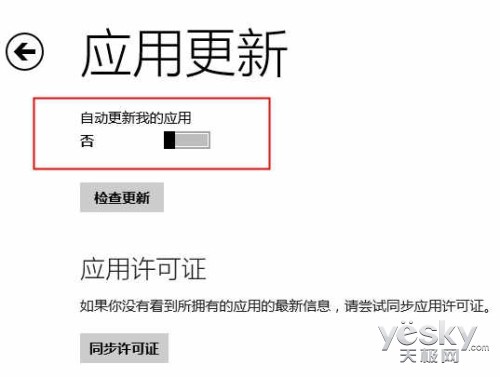
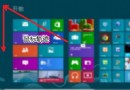
操作路徑:開始畫面 → 應用程式商店 → Charms 列 → 設定 → 應用程式更新 → 「自動更新我的應用程式」設為「否」。關閉後商店磚仍顯示可更新數量,可隨時手動更新。詳細圖文請參考 ID 18032。
找回 Windows 8 開始畫面誤刪的控制台磚塊
Win8 輸入法圖示消失、Win+Space 無法切換?啟用「輸入指標」系統圖示即可恢復
Win8 手動清理 Windows.old 釋放磁盤空間:磁盤清理工具圖文步驟
Win8 找回開始選單:原生 Metro 與第三方工具雙軌並行
Win8.1開啟遠端桌面連線三種方法:mstsc指令、Win+Q搜尋、應用商店
Windows 8 爆高危漏洞:安全啟動機制反駭客轉攻擊硬體層面
Windows 8.1 原生「開始選單」玩法:應用程式檢視模擬傳統體驗完整設定
微軟個人化圖庫煥新顏:Windows 8 風格主題頁面、全景預覽、單張壁紙下載