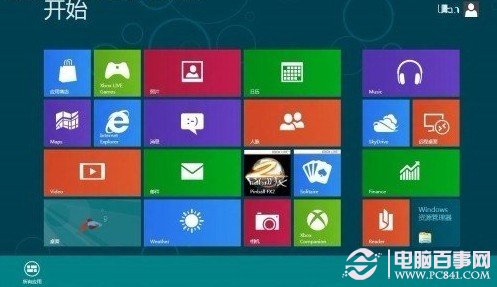
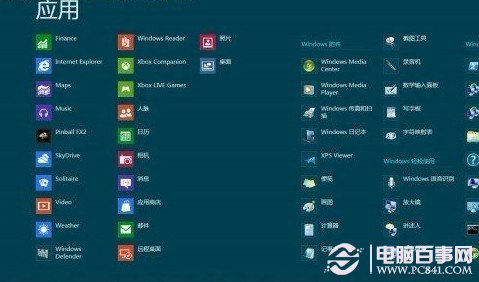
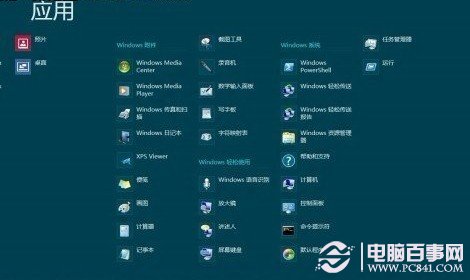
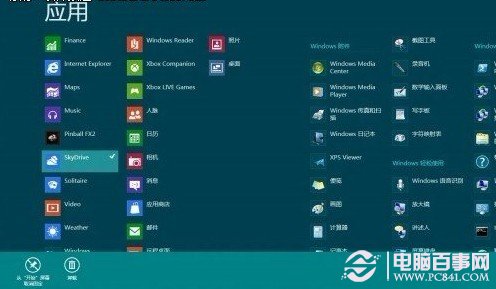
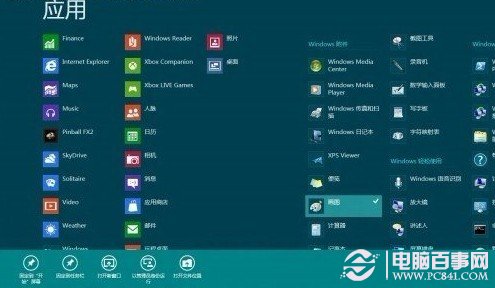
Win8 開始畫面類似智慧型手機介面,預設僅顯示部分磚,其餘應用隱藏於「所有應用程式」。
Win8 取消 Bing 線上搜尋:電腦設定搜尋與應用程式關閉網路搜尋建議
Windows 8 快速關機技巧:建立桌面關機磚塊,一鍵關機不再繞路
Windows 8 啟用 F8 進階開機選單並進入修復環境的完整指南
Windows 8 憑證管理器進階應用:Web 憑證雲端同步、Windows 憑證備份還原全攻略
Windows 8 開始畫面磁貼行數調整教學:突破預設限制自訂顯示
專家深度解析:升級至 Windows 8 的多種路徑與選擇指南
Windows 8 管理自動登入憑證:憑證管理器操作指南
Win8.1 Update 1 補丁離線安裝順序與版本差異完整說明(KB2919442 為先決條件)