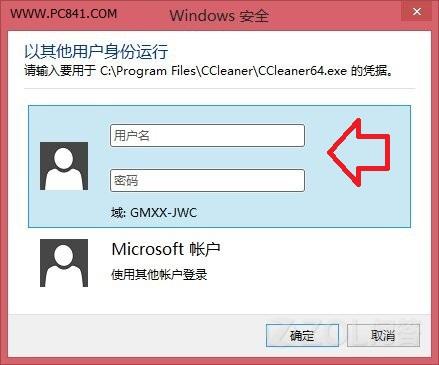
Windows 8.1 提供「以其他使用者身分執行」功能,無需登出即可快速切換帳戶環境。
Windows 8 .deskthemepack 主題包安裝失敗解決:地區設定變更法
Windows 8 關閉開始畫面切換動畫加速操作:效能選項中取消視窗動畫
Windows 8 關機完全指南:4 種快速關機/重啟方法
Windows 8.1 與 Windows Phone 8 功能趨同分析:鎖定畫面、開始畫面、開發者帳號整合
Windows 8 藍畫面機制深度解析:新版介面、記憶體轉儲類型、錯誤報告、BlueScreenView 分析、經典/原始模式切換全覽
Windows 8.1 完整啟用指南:網路啟用與電話啟用雙軌詳解
Windows 8 一鍵恢復後初始設定完整流程:從重啟到進入開始畫面
Windows 8 AppLocker 應用程式控制策略教程:限制特定軟體運行(如禁用 Notes)